Trading
Trading lets you swap an item for another collector's item rather than buying it outright — with optional cash to even things up, and a dual-shipping workflow so both parcels are confirmed before anyone is left short.


How trades work
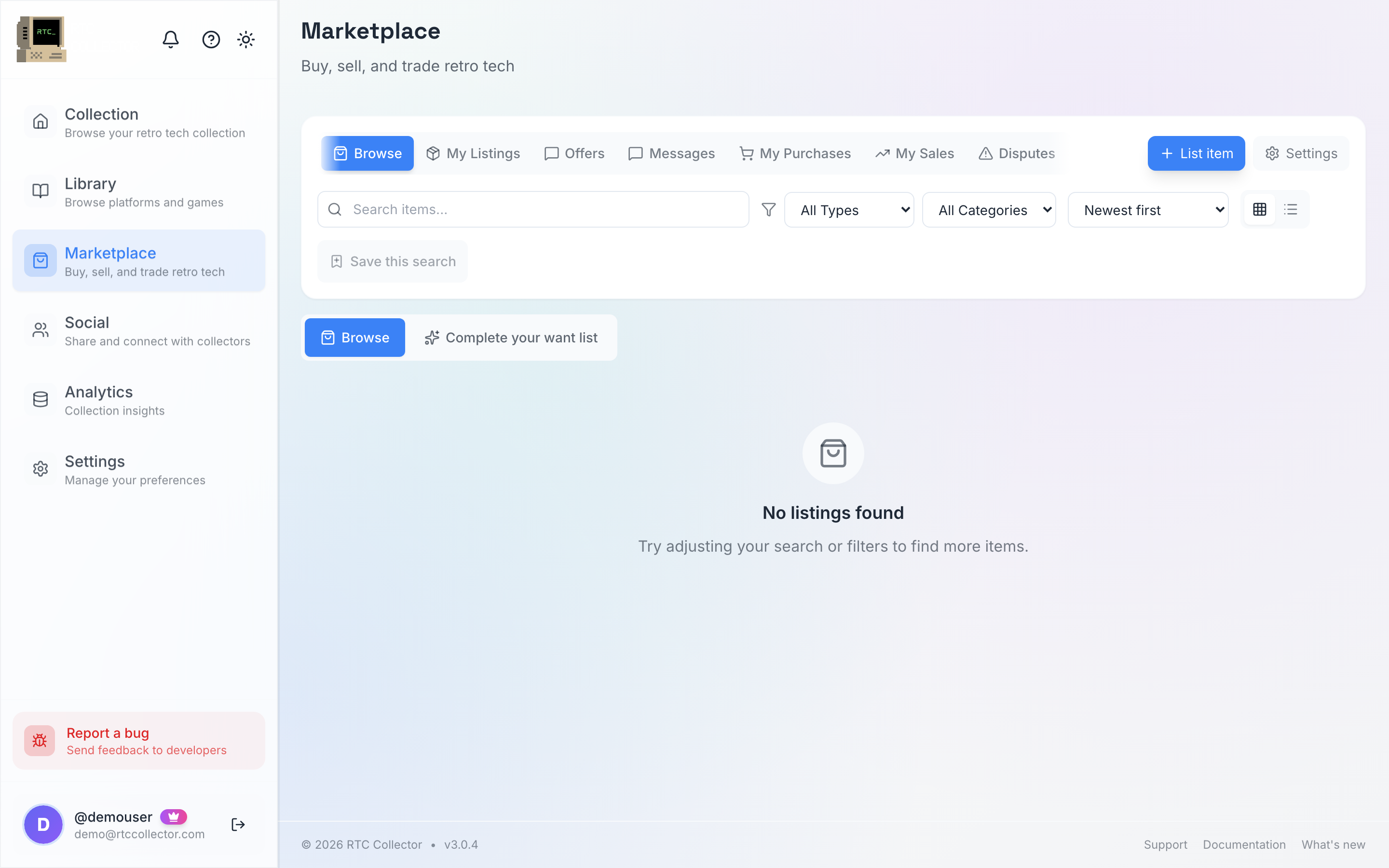
A trade is an offer with an item on each side. It happens against a listing the seller has opened up to swaps: when someone creates a listing they choose whether it's for sale, trade or both — only trade and both listings accept trade offers. You can spot them while browsing and on the listing page.
Instead of paying the asking price, you offer one or more of your own items in exchange. If the two sides aren't quite equal, you can add cash to balance the swap, in either direction.
Trading is open to everyone — you just need a seller profile with Stripe connected, the same setup you use to sell, so any cash can settle. See selling to get set up. The selling fee applies only to any cash that changes hands.
Making a trade offer
- Open a listing marked Trade or Both and choose Propose Trade.
- Pick the item — or items — from your collection that you're offering in exchange.
- If the swap isn't even, add a cash amount in £ to balance it, on whichever side needs topping up.
- Add a short message if you want to explain the offer, then send it.
The other collector can accept, decline or send a counter-offer with a different mix of items or cash. Counter-offers go back and forth until one side accepts or the offer is withdrawn — the same flow used for cash offers in the offers hub.
You don't need a perfect item-for-item match. Adding a little cash on either side is often what gets an otherwise-uneven swap over the line.
The dual-shipping workflow
Once a trade is accepted, both collectors are sending a parcel, so a dual-shipping workflow keeps the two halves in step.

- Confirm addresses. Both sides add and confirm the delivery address their parcel is going to.
- Both ship. Each collector posts their item and adds tracking. You can buy a Shippo label here, the same as a normal sale.
- Both confirm receipt. When your incoming parcel arrives, you mark it received. The trade is only complete once both sides have confirmed.
Because both confirmations are required, neither person is left having sent an item without the other arriving.
Each trade has a window for both parcels to be sent and confirmed. Post your item and add tracking promptly — if the window passes without both sides completing, the trade can't be finalised.
What happens to each collection
When both sides confirm receipt, the trade is marked complete and you're both notified — you can then rate each other. Your collections aren't updated automatically: add the item you received and remove the one you sent yourself. Any cash added to balance the trade is settled through Stripe, with the selling fee applied to the cash portion.
After the trade closes you can leave a 5-star rating for the other collector, and if anything goes wrong you can open a dispute from the transaction.