Account & Settings
Everything that's about your account rather than your collection lives here — your profile and plan, how you sign in and keep things secure, your privacy and data, the apps, and your day-to-day preferences. Pick a topic below.
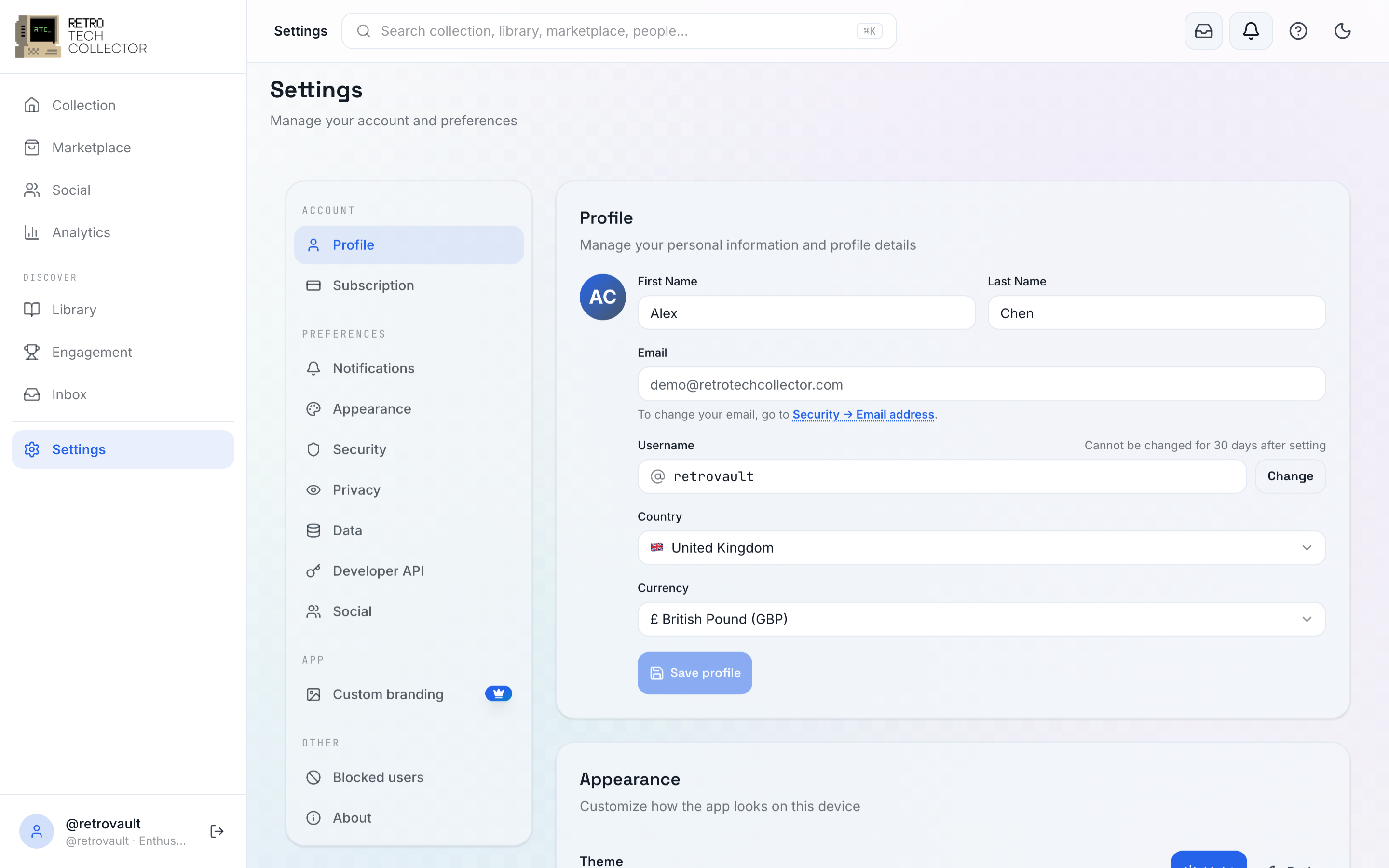

What's in Settings
Open Settings from the You tab (mobile) or the account menu (web). The main sections are Profile (name, email, location, display currency, username and connected Google/Apple accounts), Subscription, Notifications, Appearance, Security, Privacy, Data, and Developer API, plus your blocked users.
💳
Plans & billing
The Hobbyist, Collector and Enthusiast tiers, the 14-day trial, upgrades, Stripe vs in-app purchase, and cancellation.
🔒
Security
Your password, 2FA, passkeys and biometric sign-in, email verification, and active sessions and devices.
🛡️
Privacy & data
Privacy settings, the "Discoverable on the public web" toggle, blocked users, exporting your data, and deleting your account.
📱
Apps
Android on Google Play, iOS on the App Store, installing the PWA, offline sync, and the mobile bottom bar.
⚙️
Preferences
Display currency, light and dark themes, the accent colour and density, the command palette, and accessibility.
Building on the Data API? Your API keys and usage live under Settings → Developer API. Choosing what you're alerted about — push, email and per-category preferences — is covered under notifications.