Privacy & your data
You decide how visible your profile is, who can find you on the open web, and who you've blocked — and you can take your data with you, or remove your account entirely, whenever you want.
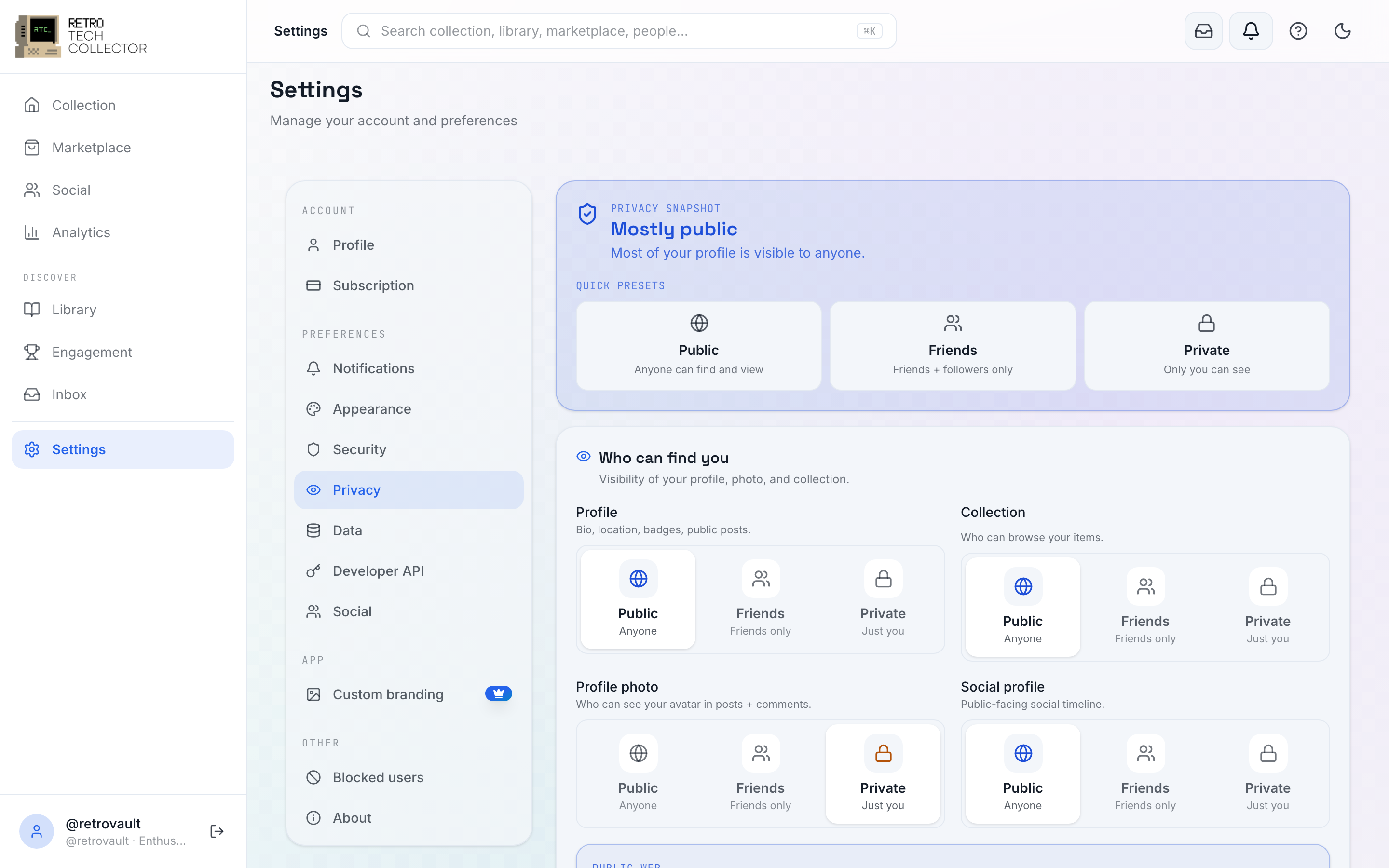
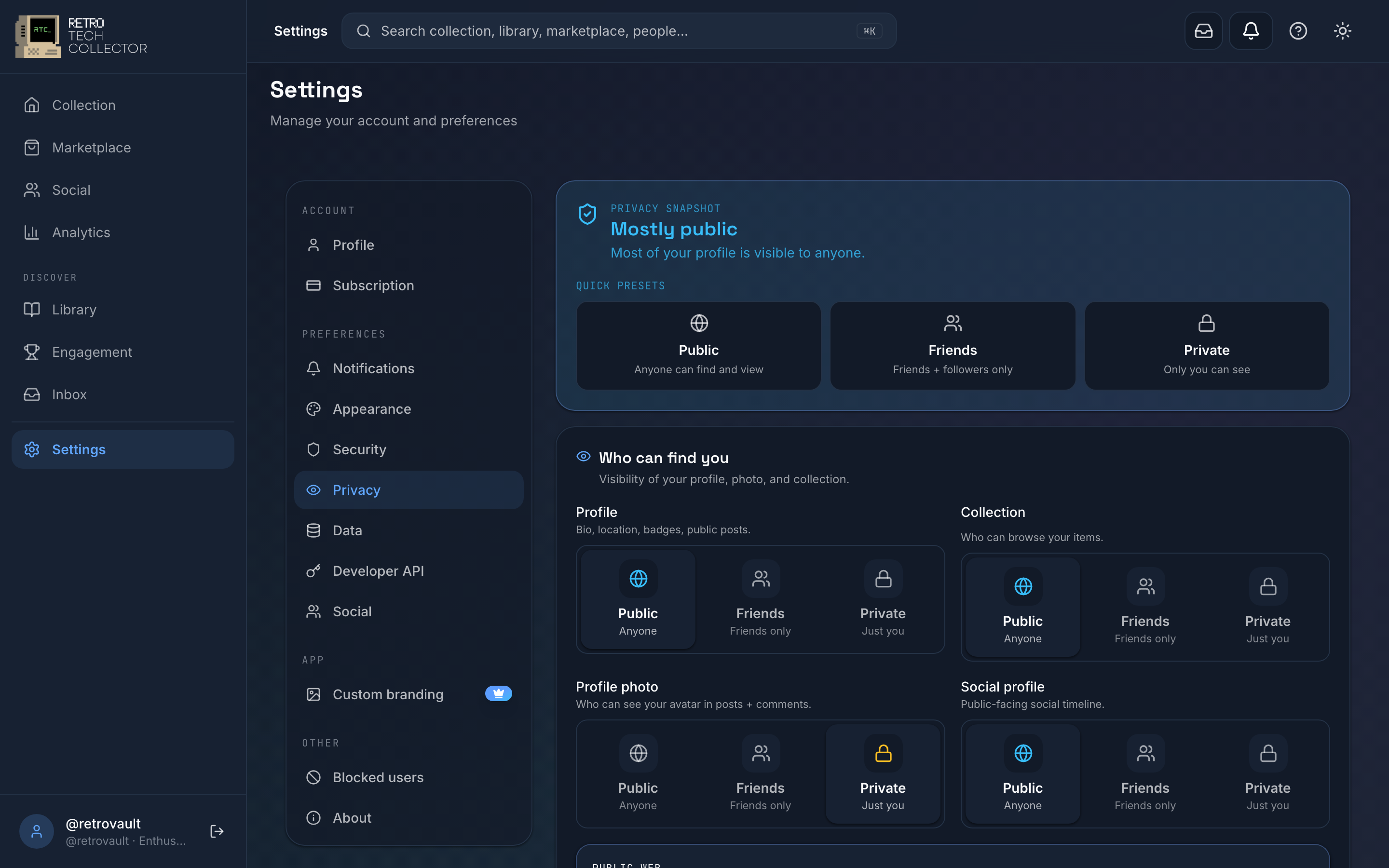
Privacy settings
Your privacy controls live in Settings → Privacy.
- Profile visibility — choose whether your showcase profile is public or private. Private accounts use follow-requests, so people you haven't approved can't see your posts or collection. See social & profiles for how follows and showcase profiles work.
- Discoverable on the public web — controls whether your public profile, posts and shared collection can be found by logged-out visitors and search engines. When it's off, only signed-in members can find them; your profile stops appearing to the public web.
- Location — control how much location detail appears on your profile and listings. Share only what you're comfortable with; you don't have to reveal a precise address to take part in the marketplace.
Changes take effect straight away, and you can adjust any of them as often as you like.
Turning it off doesn't hide you from the community inside RetroTechCollector — signed-in members can still find and follow you. It only stops your public profile, posts and shared collection from being reachable by logged-out visitors and indexed by search engines.
Blocked users
Blocking someone stops them interacting with you — they can't message you, follow you, or comment on your posts. Manage your list under Settings → Privacy → Blocked users, where you can unblock anyone to restore normal interaction. You can also block a person directly from their profile or a conversation; see messaging for blocking in chats.
Exporting your data
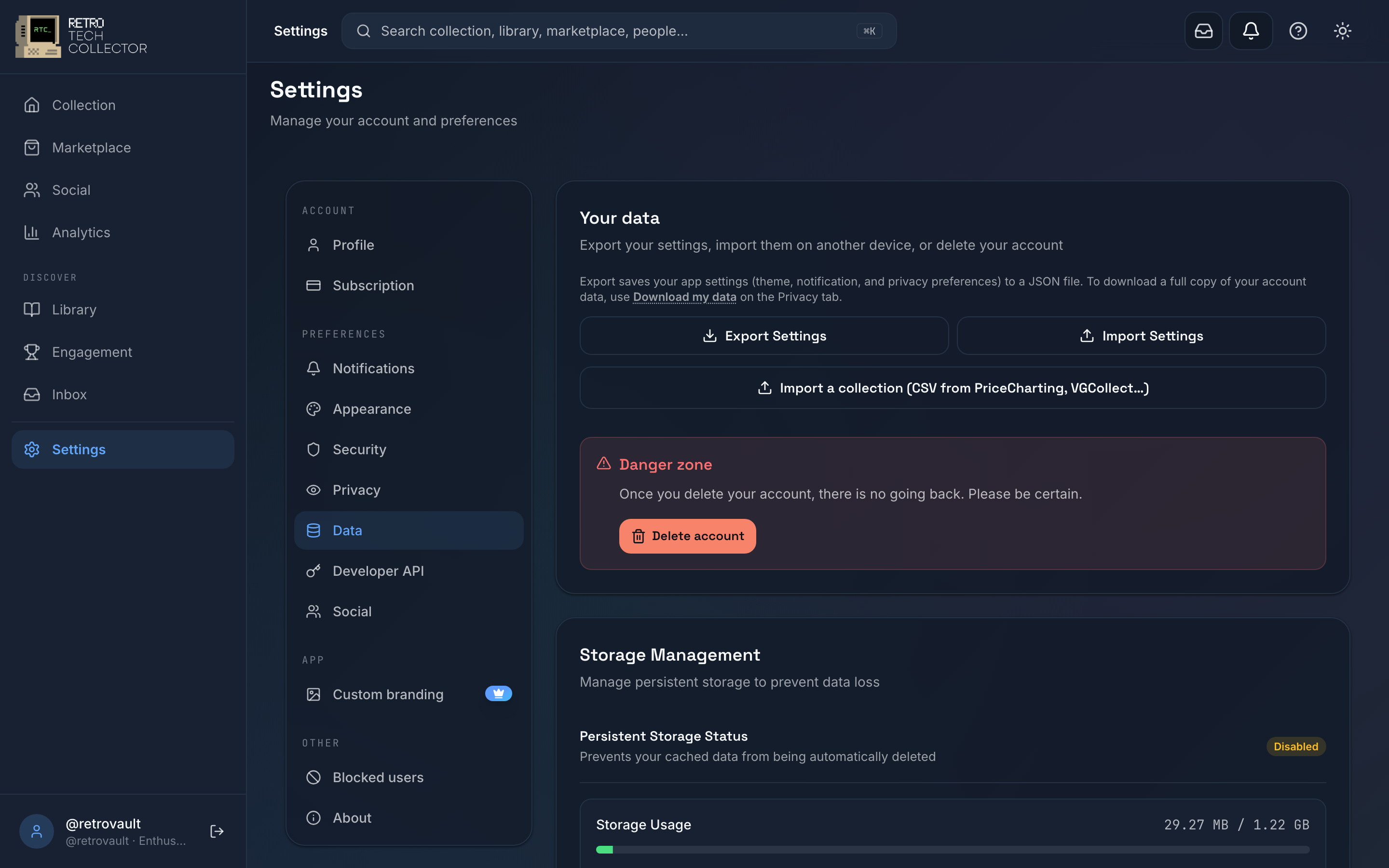
You can download a copy of your account data at any time from Settings → Data. This includes your catalogue, so it doubles as a backup or a way to move records into a spreadsheet.
- Open Settings → Data.
- Choose Export data (or Download my data).
- Pick the format you need — CSV or JSON.
- Save the file when it's ready.
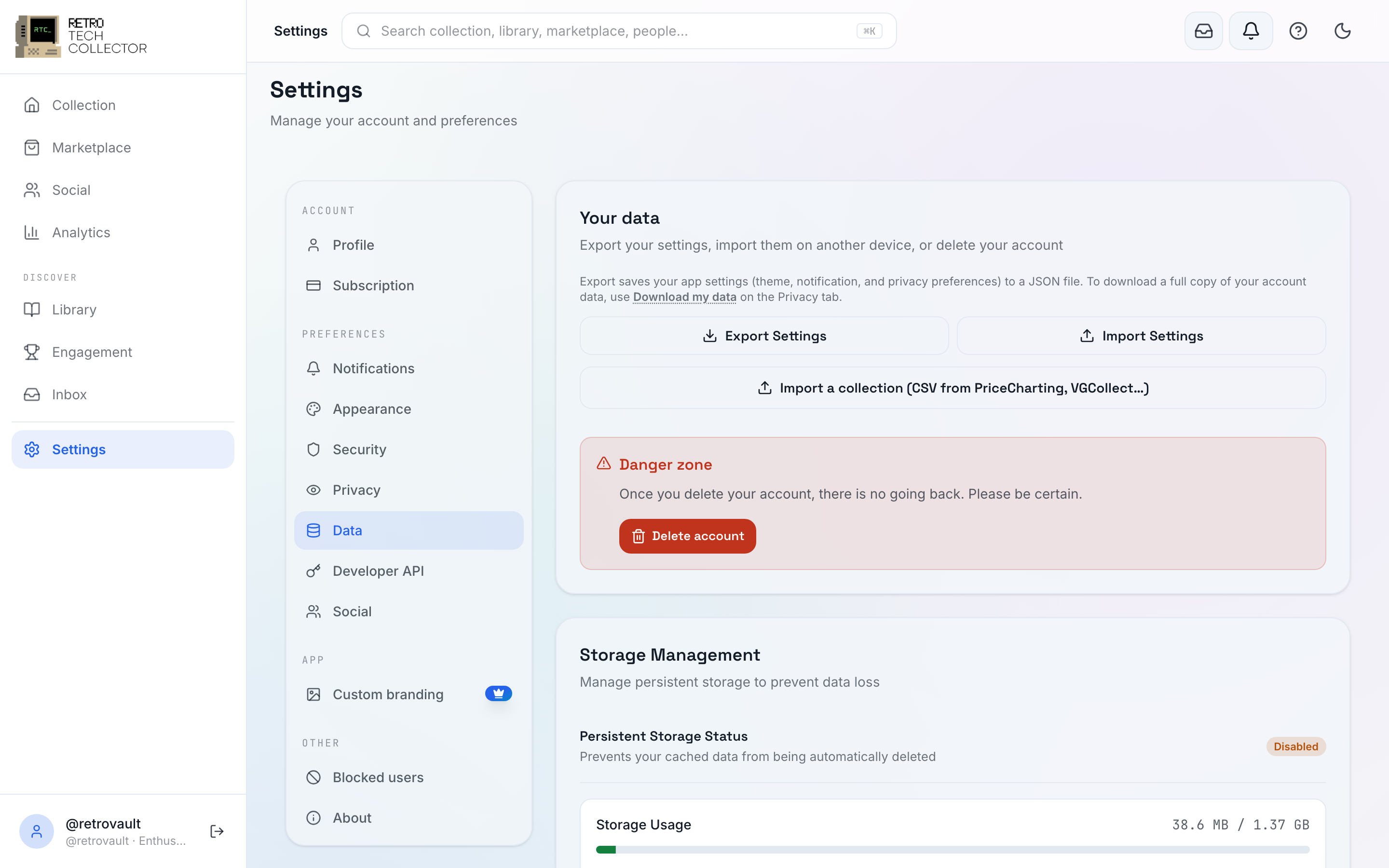
Exporting your collection as CSV or JSON is a Collector and Enthusiast feature. For the full breakdown of import and export, see import & export.
Deleting your account
If you want to leave, you can delete your account from Settings → Data. Deletion removes your account and the data tied to it, so it can't be undone — export anything you want to keep first.
- Open Settings → Data.
- Choose Delete account.
- Confirm when prompted.
Deleting your account does not cancel a subscription you bought through the App Store or Google Play — those are managed by Apple and Google, not by us. Cancel the subscription in your store account before deleting, or you may keep being billed. If you subscribed on the web via Stripe, cancelling your plan is enough. Account deletion itself can't be recovered, so download your data first.
If you have active marketplace transactions, settle them before deleting — payouts and disputes can't be resolved once the account is gone.
The formal policies
This page covers the in-app controls. For how we collect, use and protect your data — and your rights under data-protection law — read the Privacy Policy and the GDPR statement.
Related: security & sign-in covers passwords, 2FA, passkeys and managing your active sessions and devices.