Plans & billing
RetroTechCollector has three plans — a free Hobbyist tier and two paid tiers, Collector and Enthusiast. This page compares what each includes, explains the 14-day trial, and covers upgrading, downgrading, payment and cancellation.
Compare the plans
| Hobbyist (free) | Collector | Enthusiast | |
|---|---|---|---|
| Price | £0 | £5/mo or £50/yr | £15/mo or £150/yr |
| Item limit | 50 | 150 | Unlimited |
| Photos per item | 3 | 10 | Unlimited |
| Storage locations | 3 | Unlimited | Unlimited |
| Marketplace fee (selling) | 7.5% | 5% | 2.5% |
| AI photo IDs / month | 2 | 30 | 100 |
| AI condition grades / month | 0 | 10 | 50 |
| Browse + buy on marketplace | ✅ | ✅ | ✅ |
| Analytics | — | ✅ | ✅ |
| Social posting | — | ✅ | ✅ |
| CSV export | — | ✅ | ✅ |
| Bulk tools | — | — | ✅ |
| Developer / Data API | — | — | ✅ |
| Priority listings, custom branding, priority support | — | — | ✅ |
The free Hobbyist plan needs no card to start. Collector raises your limits and unlocks analytics, social posting and CSV export. Enthusiast removes the item and photo caps, drops the selling fee to 2.5%, and adds bulk tools, the Data API, priority listings and priority support.
Browsing and buying on the marketplace is free on every tier, including Hobbyist. Selling is open to everyone too — you enable a seller profile and connect Stripe for payouts; only the selling fee changes by tier (7.5% / 5% / 2.5%). No plan is required to sell.
The 14-day free trial
Both paid plans come with a 14-day free trial — no card required, and available once per account (first-time only). You get full access to the tier straight away, and you're only asked for payment if you decide to keep it when the trial ends.
To start a trial:
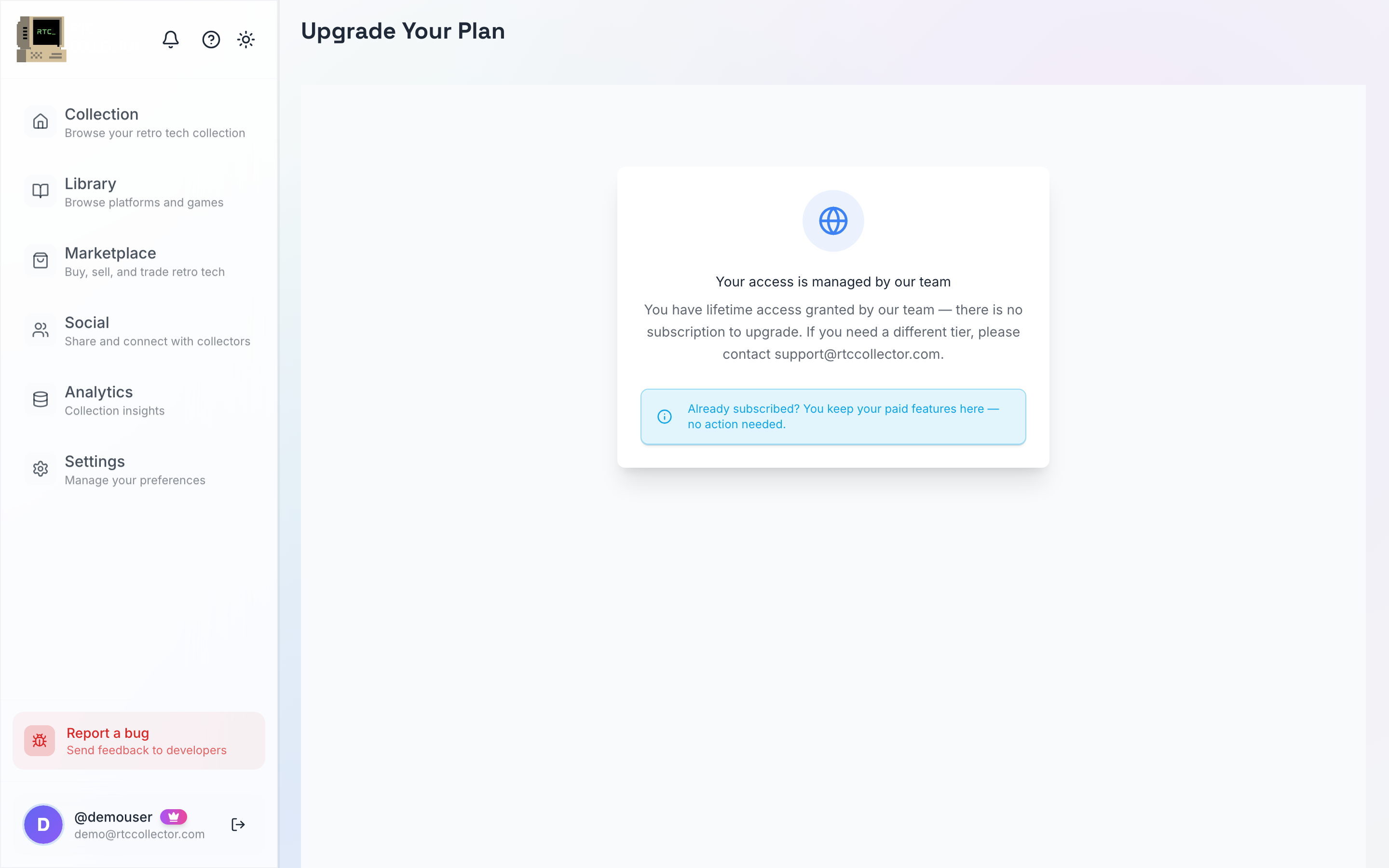
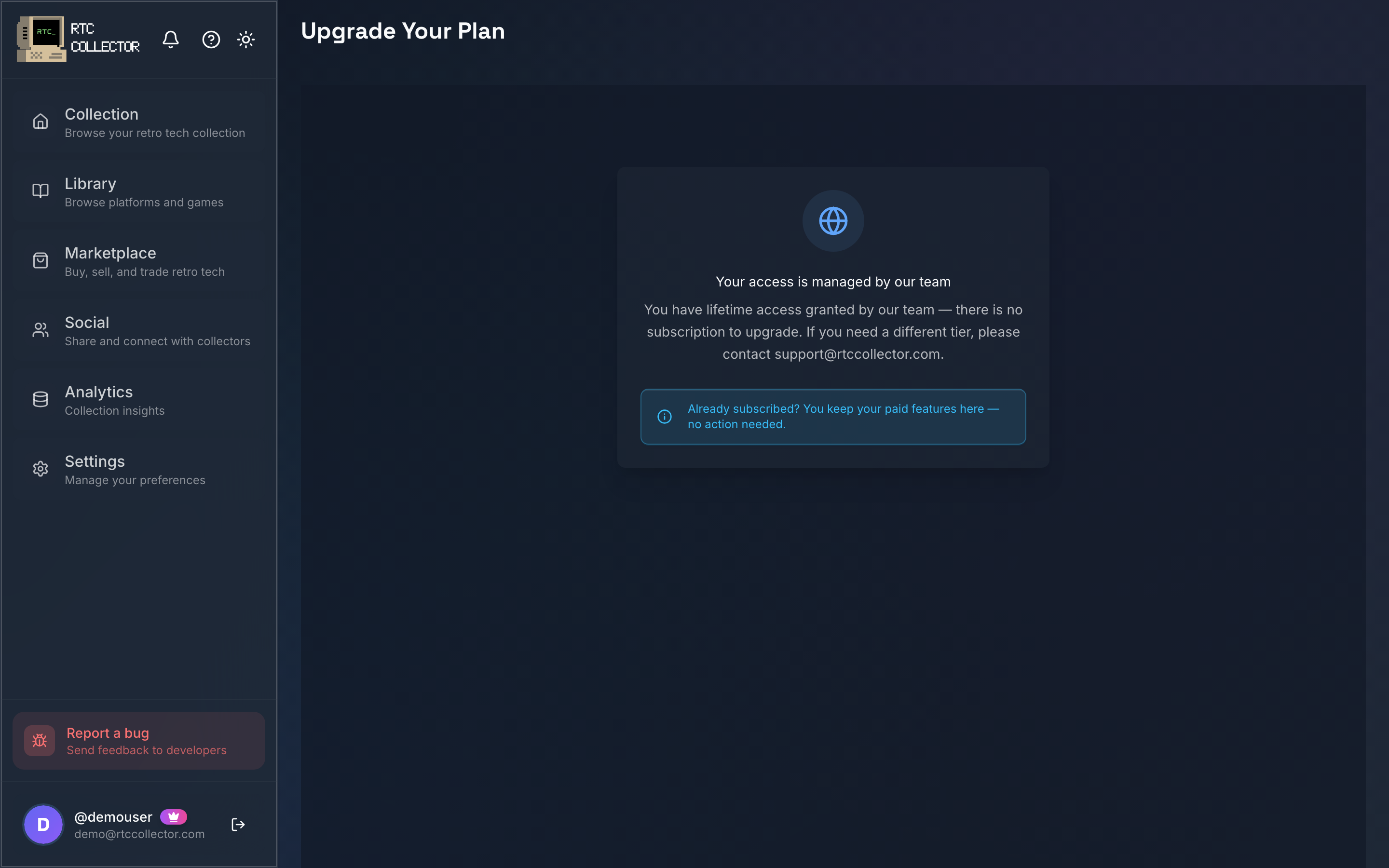
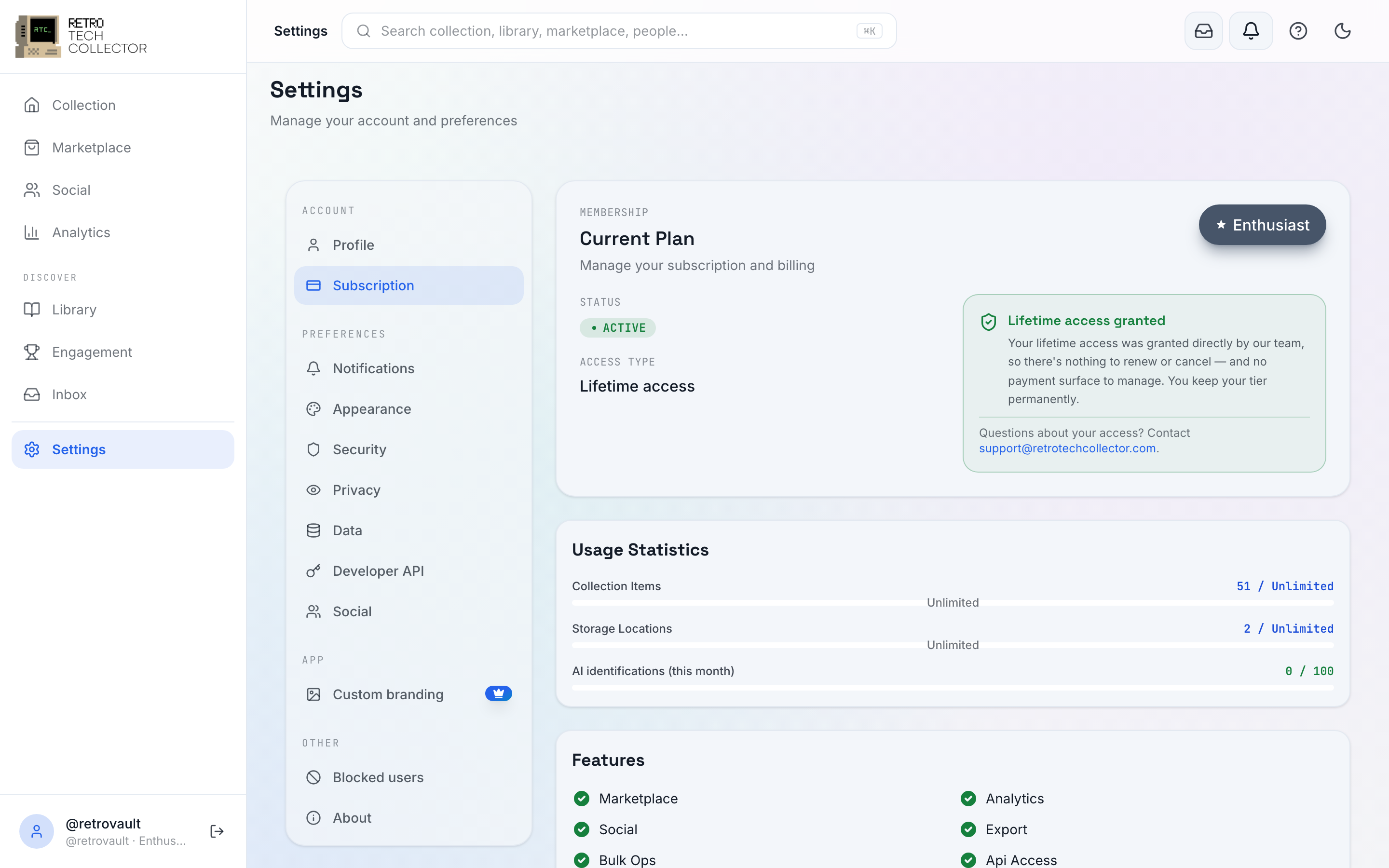
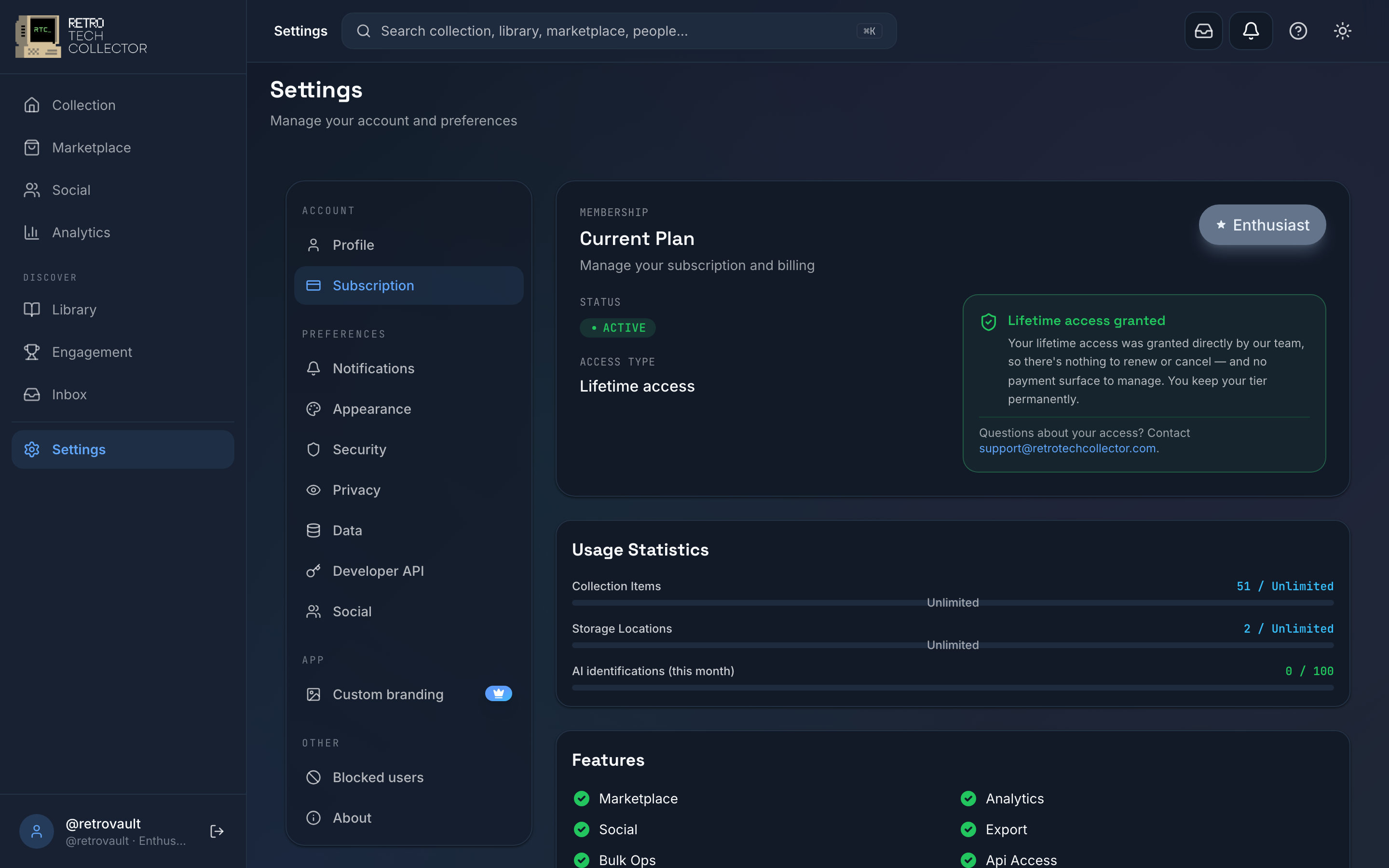
- Go to Settings → Subscription, or open the Plans screen.
- Choose Collector or Enthusiast, and pick Monthly or Annual billing.
- Select Start free trial.
- Use the tier straight away. Nothing is charged until you add a payment method and the 14 days end.
How you pay: web vs the apps
How you're billed depends on where you subscribe:
- On the web, plans are billed in GBP (£) through Stripe, monthly or annually. If your card is in another currency, your bank applies Stripe's exchange rate at the time of payment. Stripe handles your card details — RetroTechCollector never stores your card number. Update your payment method from Settings → Subscription, which opens the Stripe billing portal.
- In the Android and iOS apps, plans are bought through Apple's or Google's in-app purchase (handled by RevenueCat). Billing, receipts and price appear in your App Store or Google Play account, in your local store currency.

Upgrading and downgrading
You can change tiers at any time from Settings → Subscription.
- Open Settings → Subscription.
- Select Change plan.
- Pick the new tier and billing cycle, then confirm.
When you upgrade on the web, the change takes effect immediately and Stripe prorates the cost — you pay only the difference for the rest of your current period. When you downgrade, the lower tier applies at the end of the period you've already paid for.
Downgrading never deletes anything. If you drop to a tier with a lower item cap and you're over it, the items above the limit become hidden items — kept safely in your account, not counted against the limit, and not shown in your active collection. Upgrade again, or remove other items, and they come back. See managing your collection for how hidden items work.
Cancellation and refunds
On the web, cancel any time from Settings → Subscription by selecting Cancel plan. In the apps, cancel the subscription in your App Store or Google Play account, as with any store subscription.
Either way, your paid features stay active until the end of the period you've already paid for, then your account moves to the free Hobbyist plan. Your collection, photos and history are kept — anything over the Hobbyist limits becomes hidden items rather than being deleted. If you cancel during the 14-day trial, you're not charged at all.
For web (Stripe) billing questions or a refund request, email [email protected]. Purchases made through Apple or Google are refunded under those stores' policies — request a refund from the App Store or Google Play. See the FAQ for common billing questions.