Set up your account
Creating an account takes a minute or two: register, confirm your email, pick a username, and you're in. This page walks through each step, then shows how to lock the account down and choose the right plan.
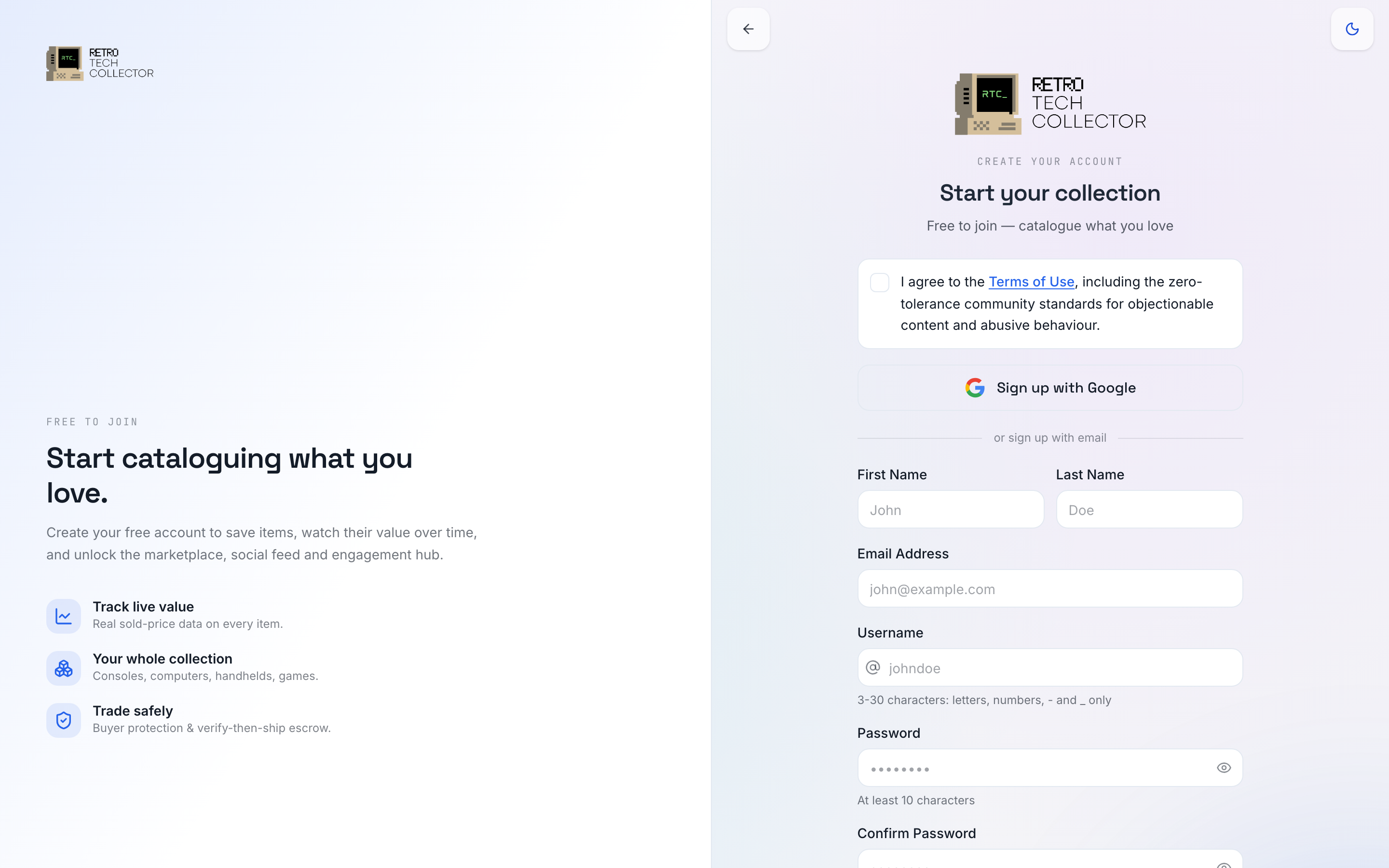
Register
You can sign up with an email address and password, with your Google account, or — on iOS — with Apple.
- Open retrotechcollector.app and go to Register.
- To use email and password, enter your Email and a Password (at least 10 characters), then select Create account. Passwords are hashed and never stored in plain text, and are checked against known breach lists.
- To use Google instead, select Continue with Google and choose your account. There's nothing more to set — you'll skip straight past email verification.
- On the iOS app you can also choose Continue with Apple, including Apple's private relay email.
You start on the free Hobbyist plan, so there's no card to enter to get going.
Verify your email
If you registered with email and password, we send a verification link to confirm the address is yours. Verifying unlocks the full app and means you can recover the account later.
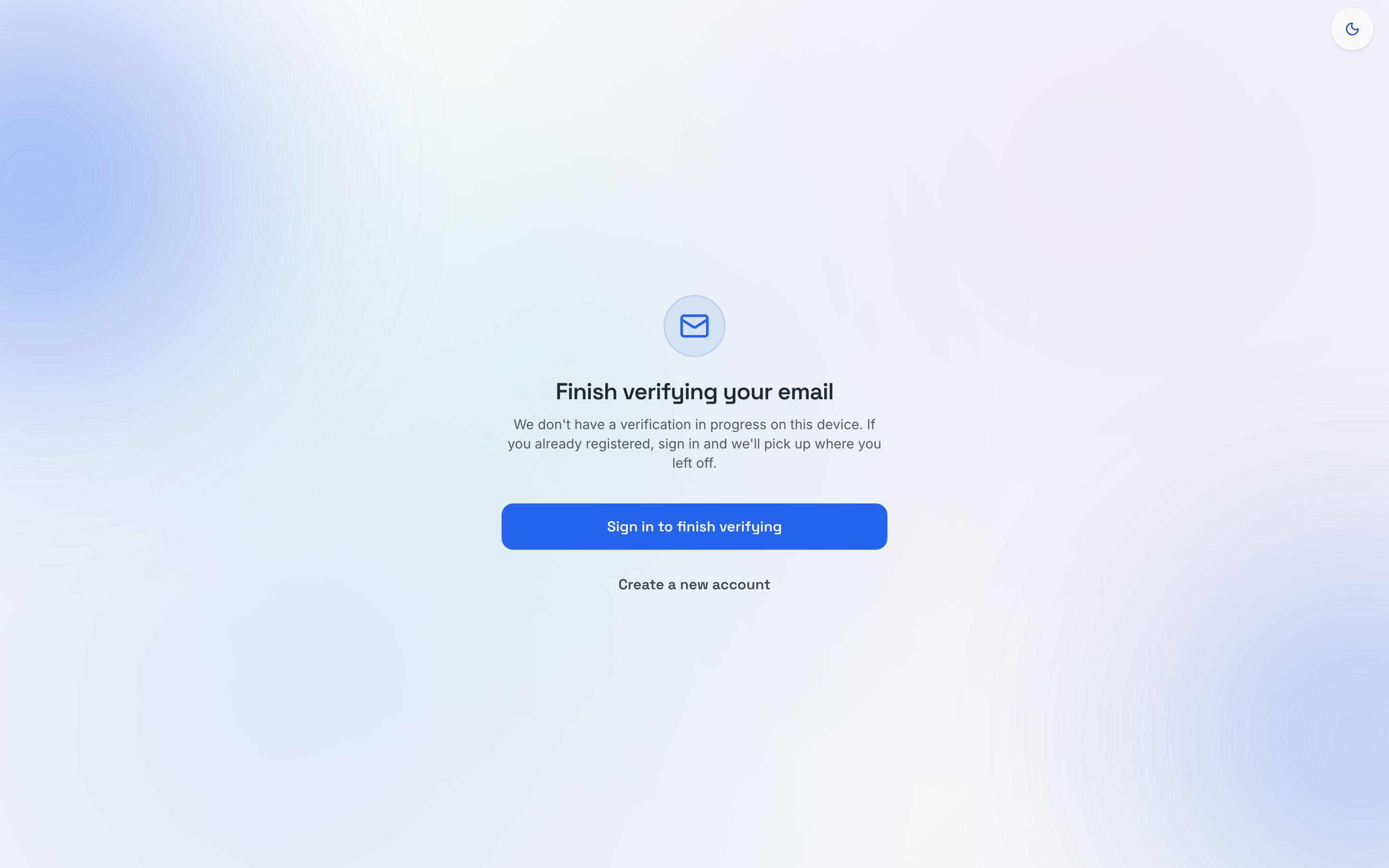

- Open the email from RetroTechCollector and select the verification link.
- If it hasn't arrived, check your spam folder, then use Resend on the verification screen.
Those accounts are already verified, so there's no email step — you go straight to choosing a username.
Choose a username
Your username is how other collectors find and tag you across the social feed and marketplace. You'll be prompted to set one the first time you sign in. You can update your profile later in Account & Settings.
Secure your account
Once you're in, take a moment to harden the account. Everything below lives under Settings → Security.
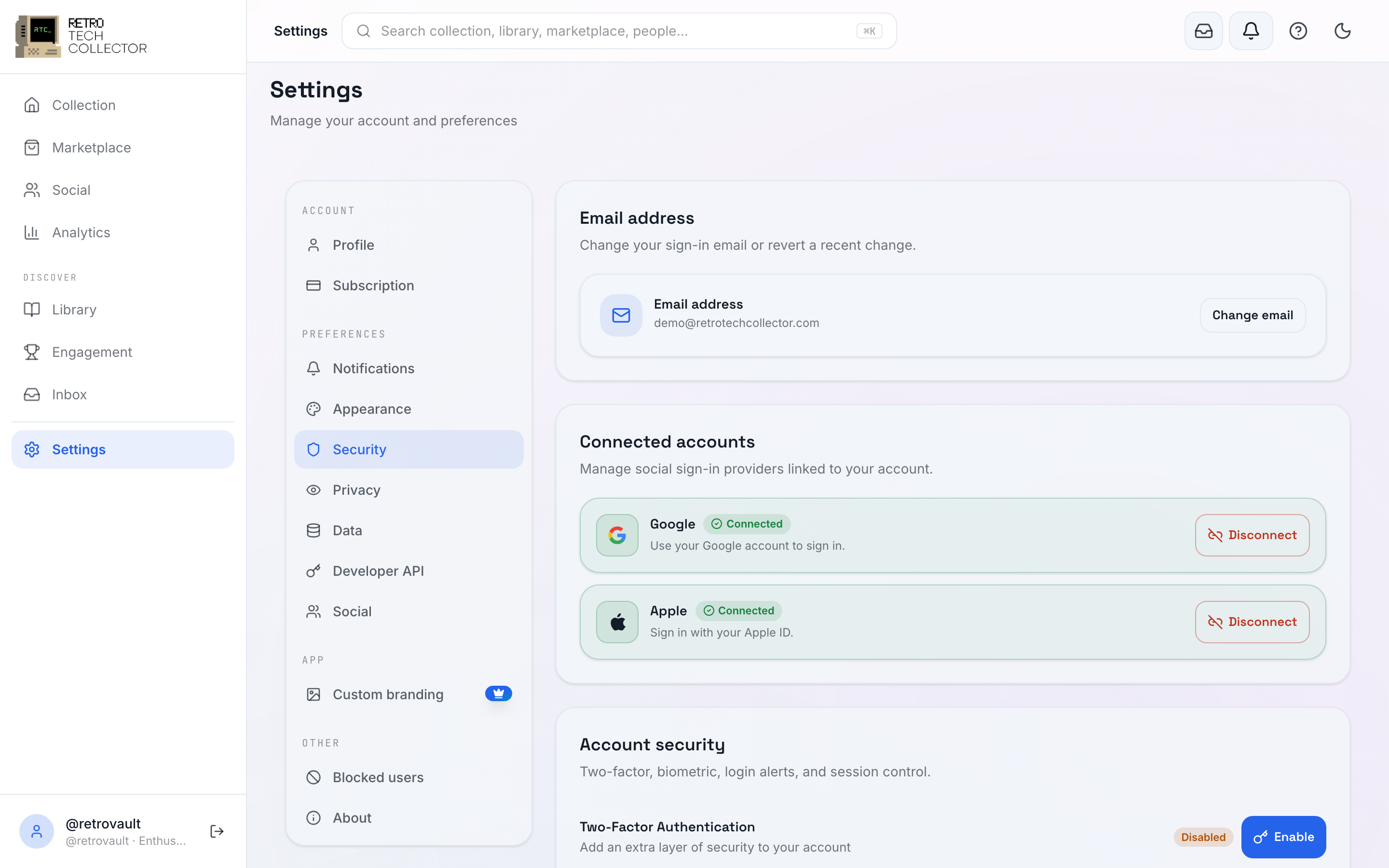
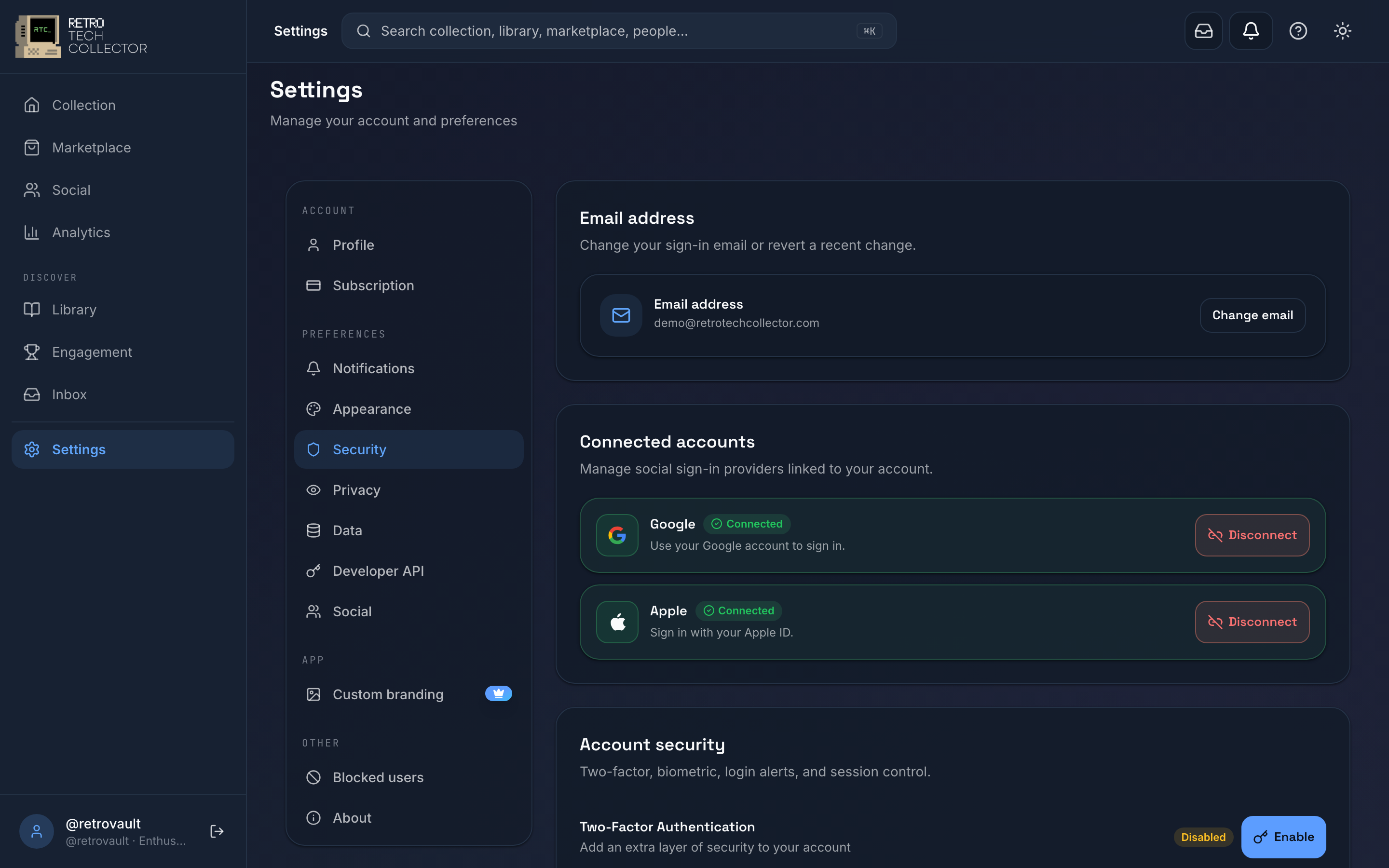
At a minimum, turn on two-factor authentication — a TOTP code from an authenticator app, backed up with recovery codes.
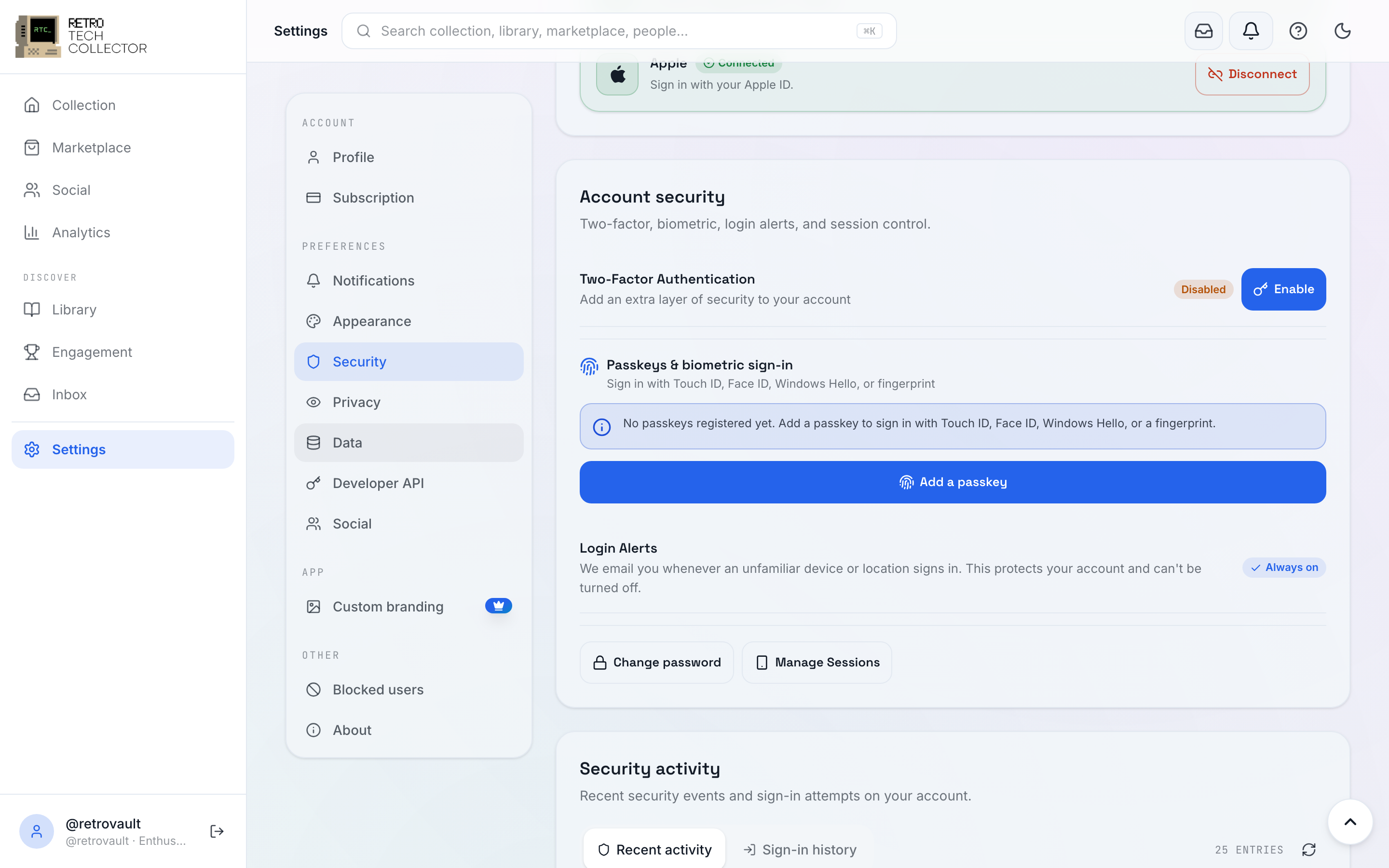
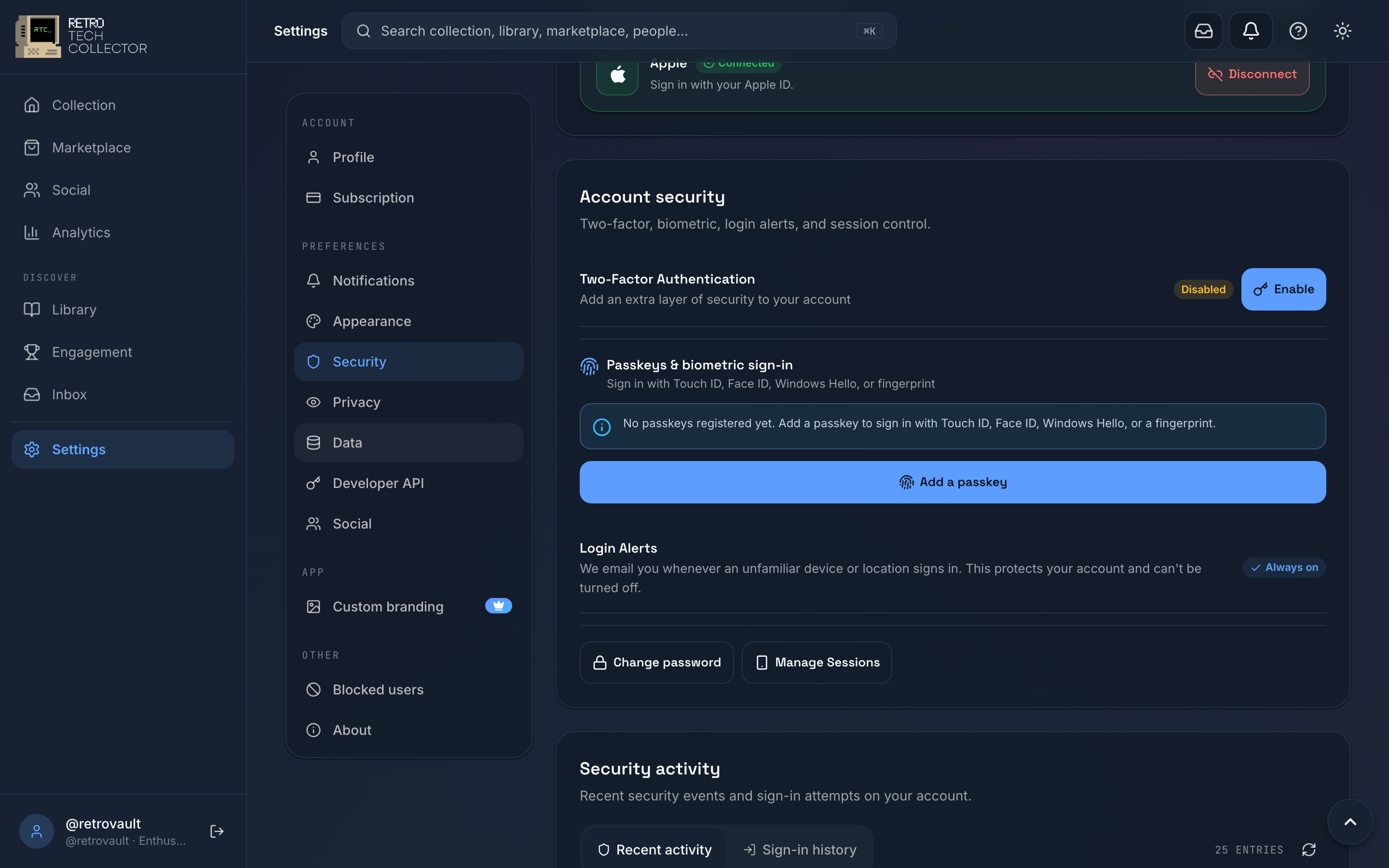
You can also add a passkey for password-free sign-in on the web, set up biometric unlock (Face, Touch or fingerprint) on mobile, and review your active sessions and devices. For the full walkthrough, see Security.
Pick a plan
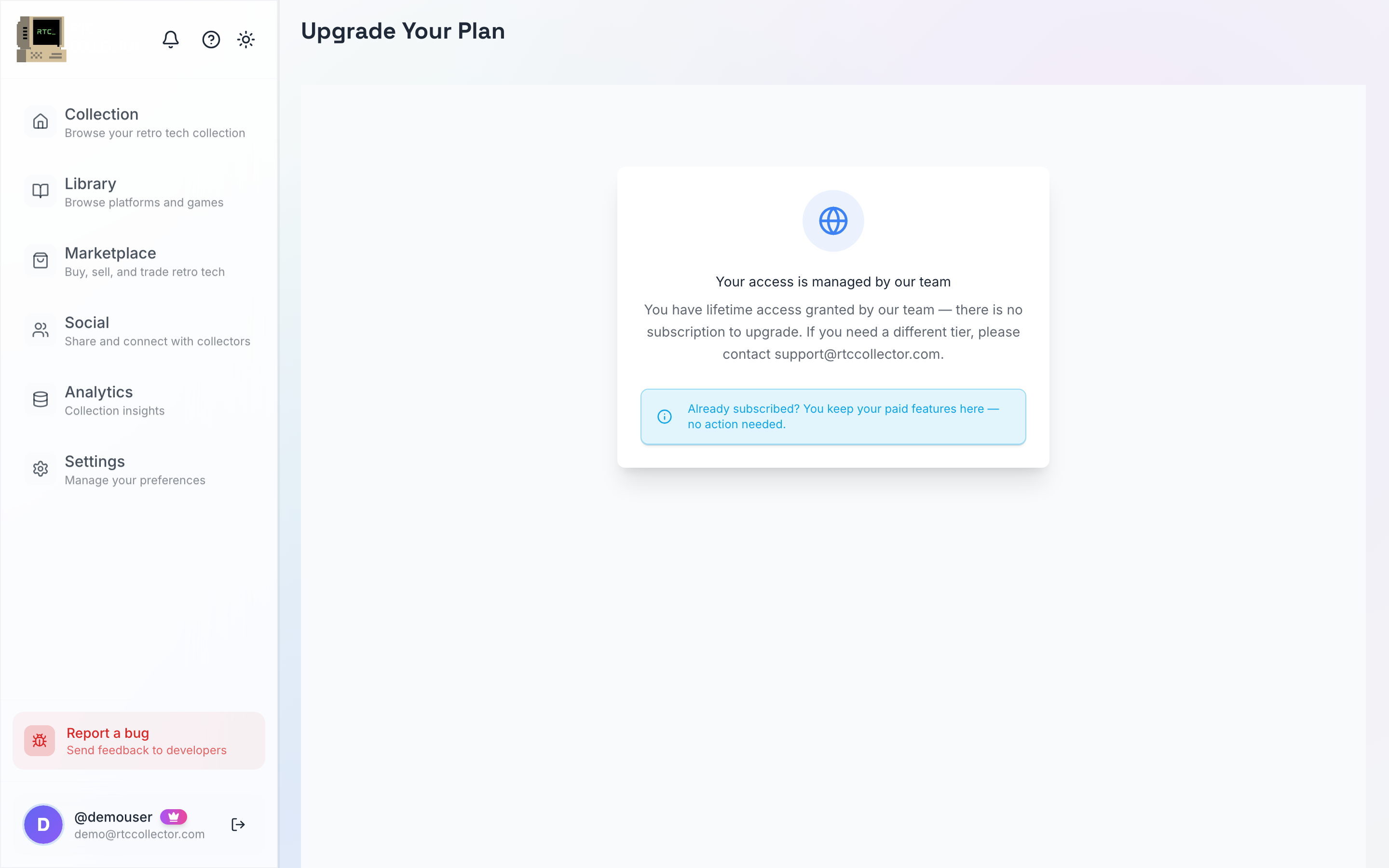
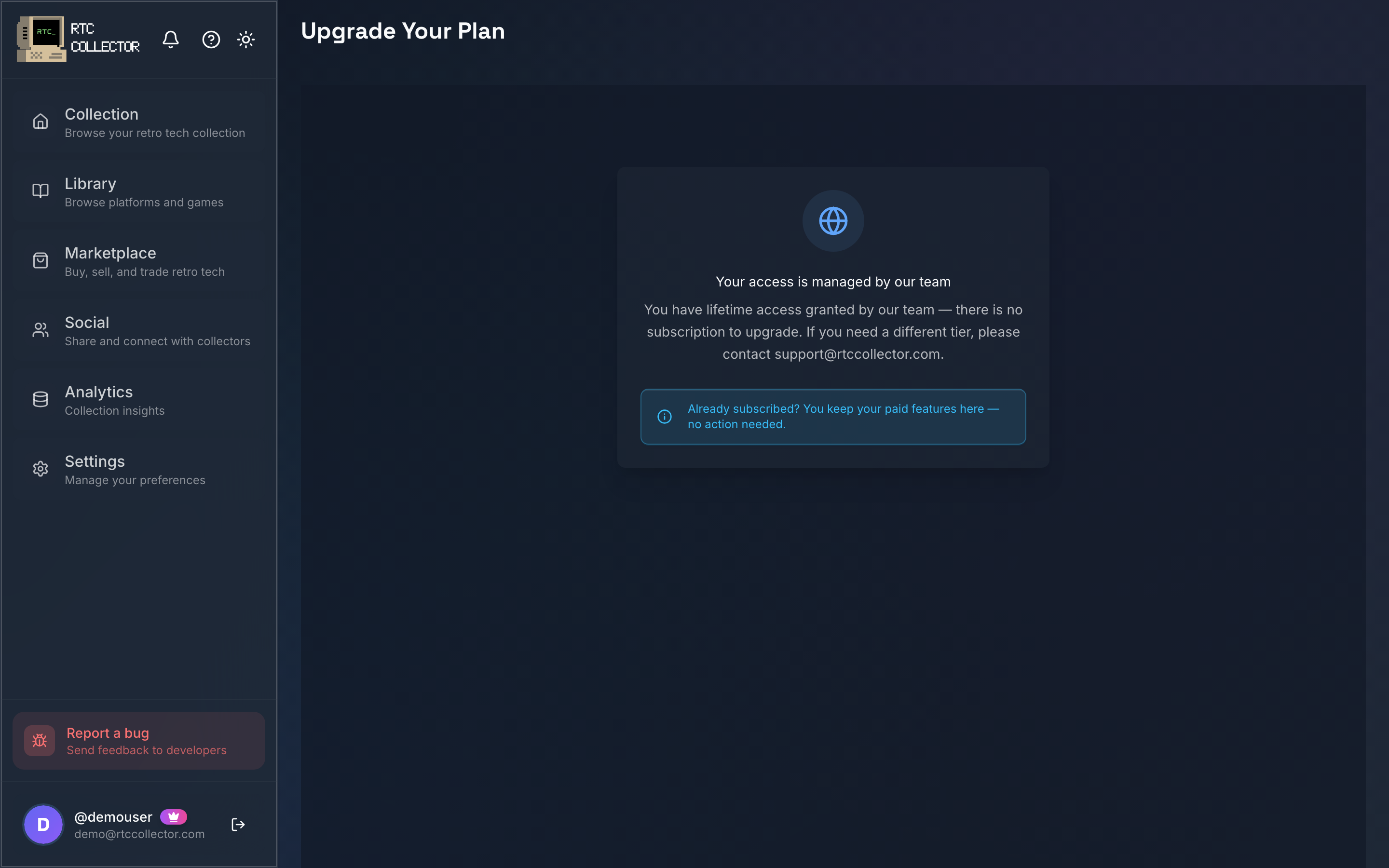
You can stay on the free Hobbyist plan for as long as you like. Upgrading to Collector or Enthusiast raises your item and photo limits, unlocks value tracking, analytics and the social feed, and lowers your selling fee.
| Plan | Price | Items | Photos/item | Selling fee |
|---|---|---|---|---|
| Hobbyist | Free | 50 | 3 | 7.5% |
| Collector | £5/mo or £50/yr | 150 | 10 | 5% |
| Enthusiast | £15/mo or £150/yr | Unlimited | Unlimited | 2.5% |
Browsing and buying on the marketplace are free on every plan, and anyone can sell — the fee is the only difference by tier. Paid plans come with a 14-day free trial, no card required, and are billed in GBP via Stripe (or via Apple/Google in-app purchase on the native apps). For what each tier includes, how the trial works, and upgrading, downgrading or cancelling, see Plans & billing.
Account ready? Head to Adding items to catalogue your first piece with a photo, a barcode, or the catalogue.