Your Collection
Your collection is the heart of RetroTechCollector. It opens on the Vault Dashboard — a cockpit that catalogues everything you own, shows what it's worth, and lets you slice the whole lot with a tap. Add a console, a computer, a handheld, a game or an accessory, and keep it organised, searchable and tracked over time.
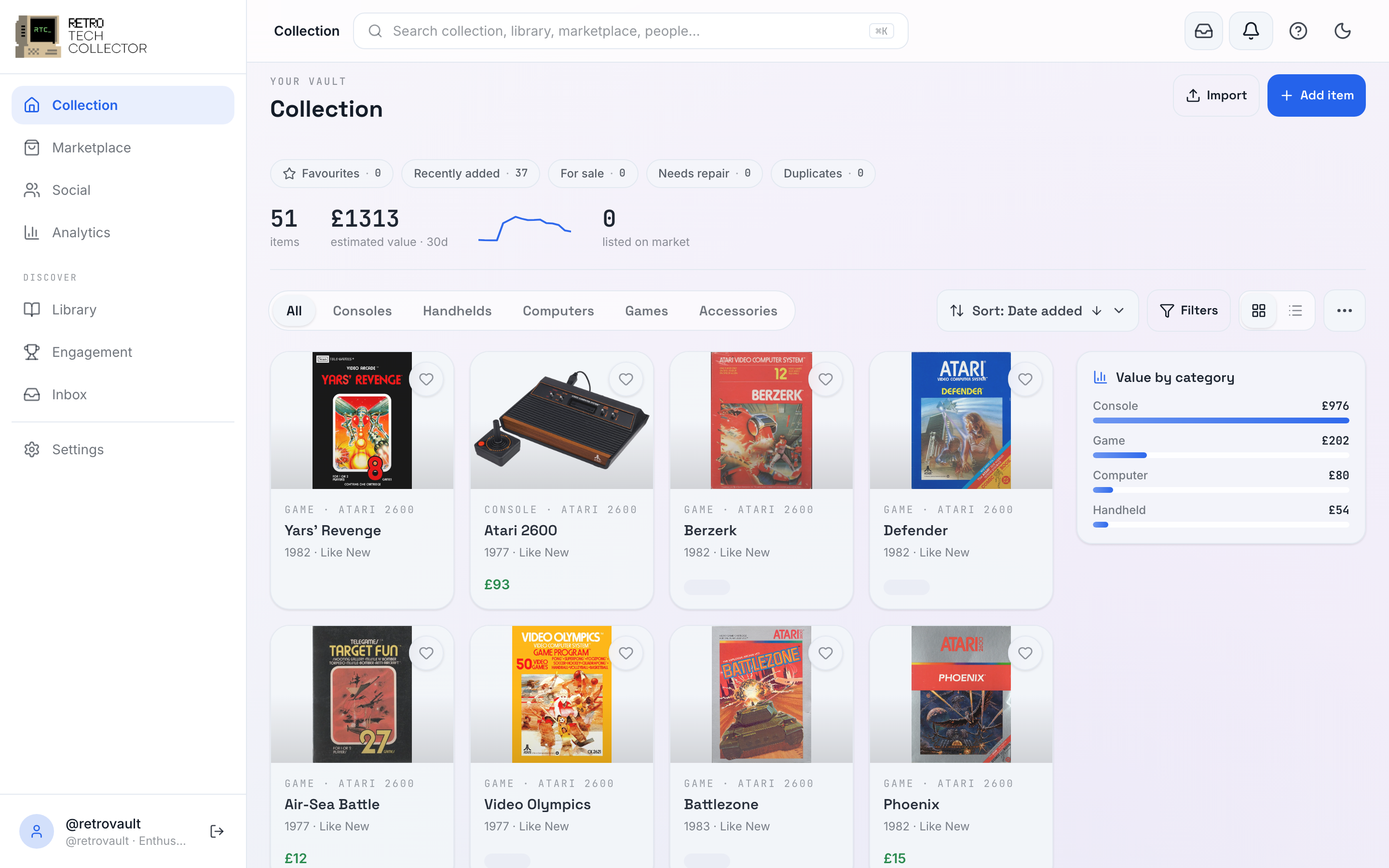
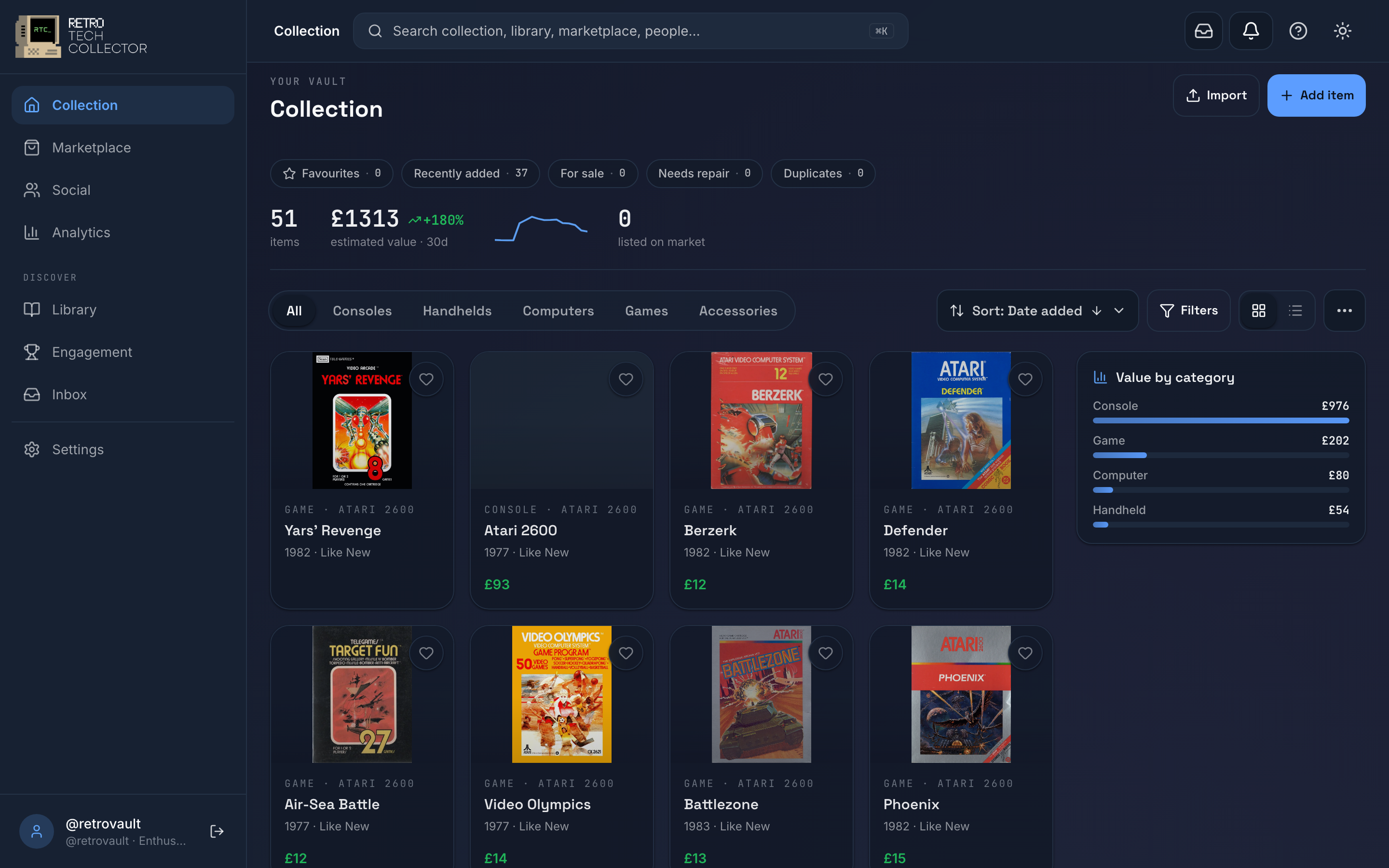
The Vault Dashboard
The dashboard puts your numbers up top and your items below. A stats rail shows how many items you have, their estimated value and how it's changed, a sparkline, and how many are listed for sale. Below it, a sticky insights rail turns your collection into filters — click a category or "needs maintenance" and the grid narrows instantly.
Under that sit your items, in grid or list view, with a category segmented control, quick-filter chips, Advanced Search and a full set of sorts. It's built to stay usable whether you have ten items or ten thousand.
Explore this section
Managing your collection
Photos
Item relationships
Import & export
Shows & loans
New to the app? Start by adding items with AI, a barcode or the Library. Once your collection is in, see how its value is tracked over time.