Getting Started
RetroTechCollector is a catalogue, valuation and marketplace app for retro tech — vintage computers, consoles, handhelds, games and accessories. Catalogue what you own, track what it's worth, and buy, sell and trade with other collectors.
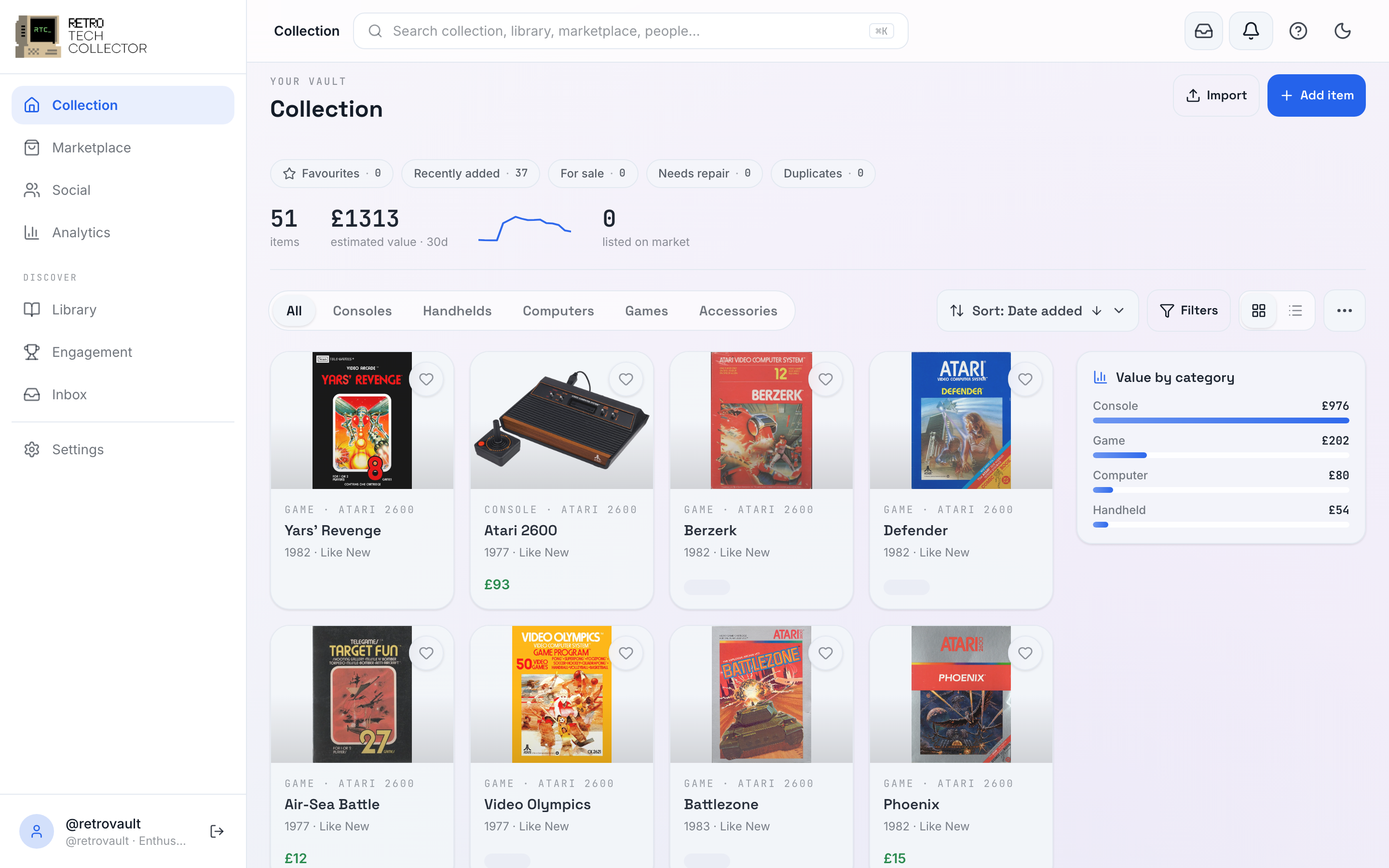
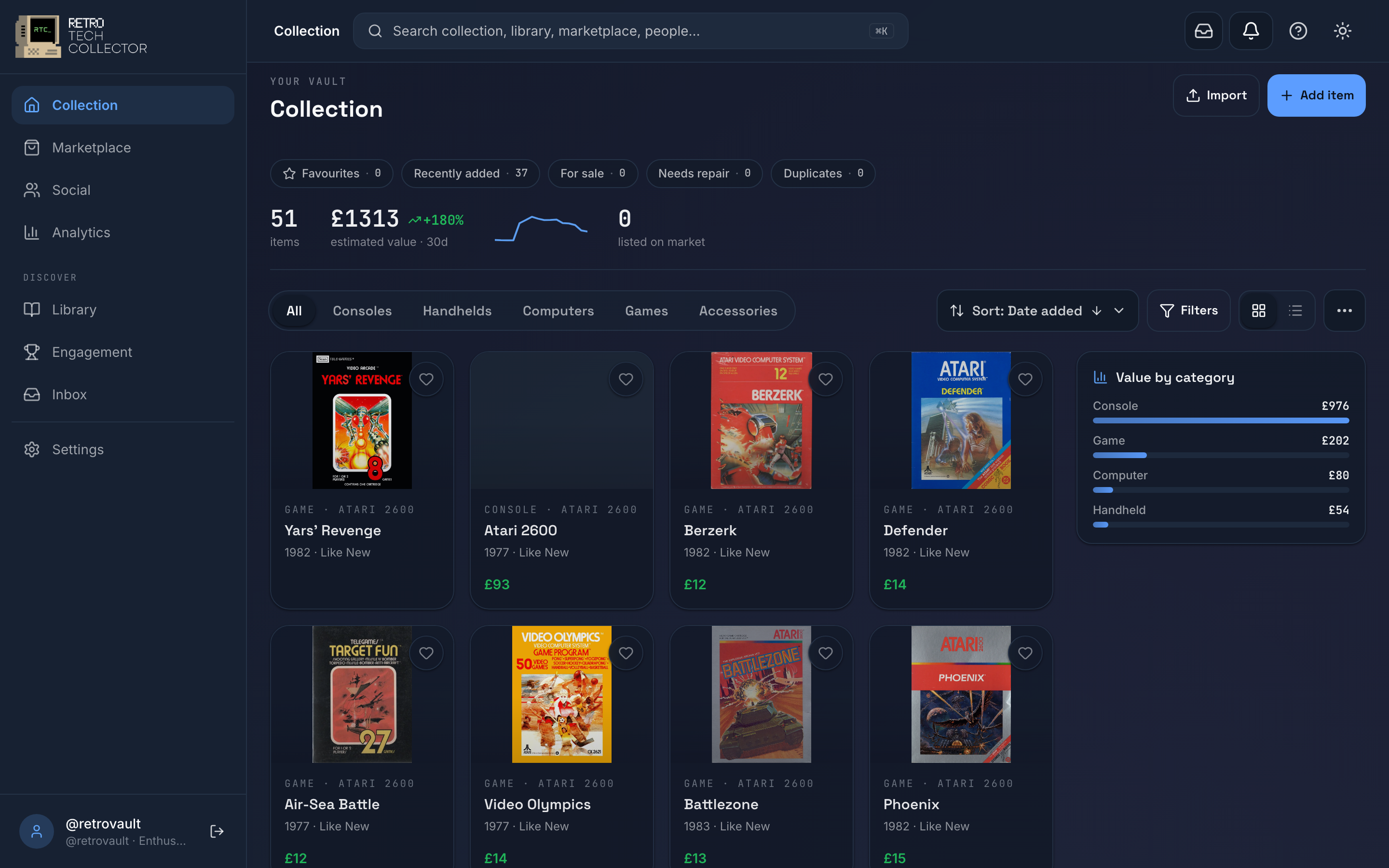
Look around before you sign in
You don't need an account to explore. Logged out, you can browse the Marketplace, the Library, the public Social feed and the Leaderboard.
When you go to do something that changes data — add an item, post, make an offer, buy or message — the app prompts you to sign in or sign up at that moment. Viewing another member's full collection also needs a (free) account.
Get RetroTechCollector
You can use RetroTechCollector in a browser or as an app — your collection stays in sync across all of them.
- Web — open retrotechcollector.app in any browser. Nothing to install.
- Android — get it on Google Play.
- iOS — get it on the App Store.
- Install as an app (PWA) — from the web app, use your browser's install option to add RetroTechCollector to your home screen or desktop. It runs full-screen and works offline, syncing when you reconnect.
On mobile you get a five-tab bottom bar — Collection, Marketplace, Add (+), Social and You — with a More sheet for everything else.


There's no card needed to start on the free Hobbyist plan. See Plans and billing for what each plan includes.
Find your way around these docs
New here? Start with the Quick start — sign up and add your first item in about five minutes. Then dip into whichever section you need.
Quick start
Account setup
Adding items
Your Collection
Beyond Getting Started, the docs cover Library, Values & History, the Marketplace, the Community, the Engagement Hub, and your Account & Settings. Stuck? Try the Help section or search the docs from the box up top.