Import & export
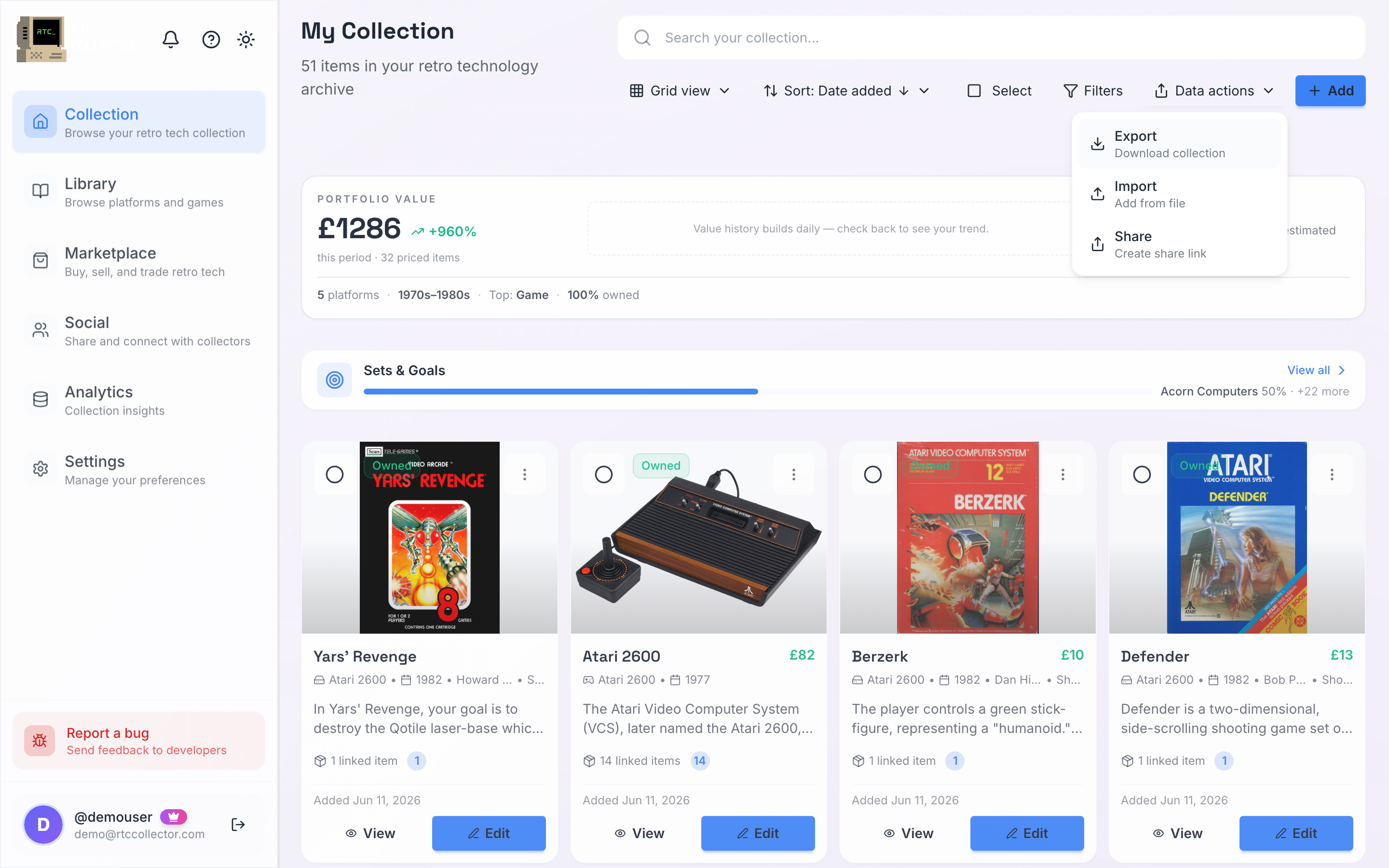
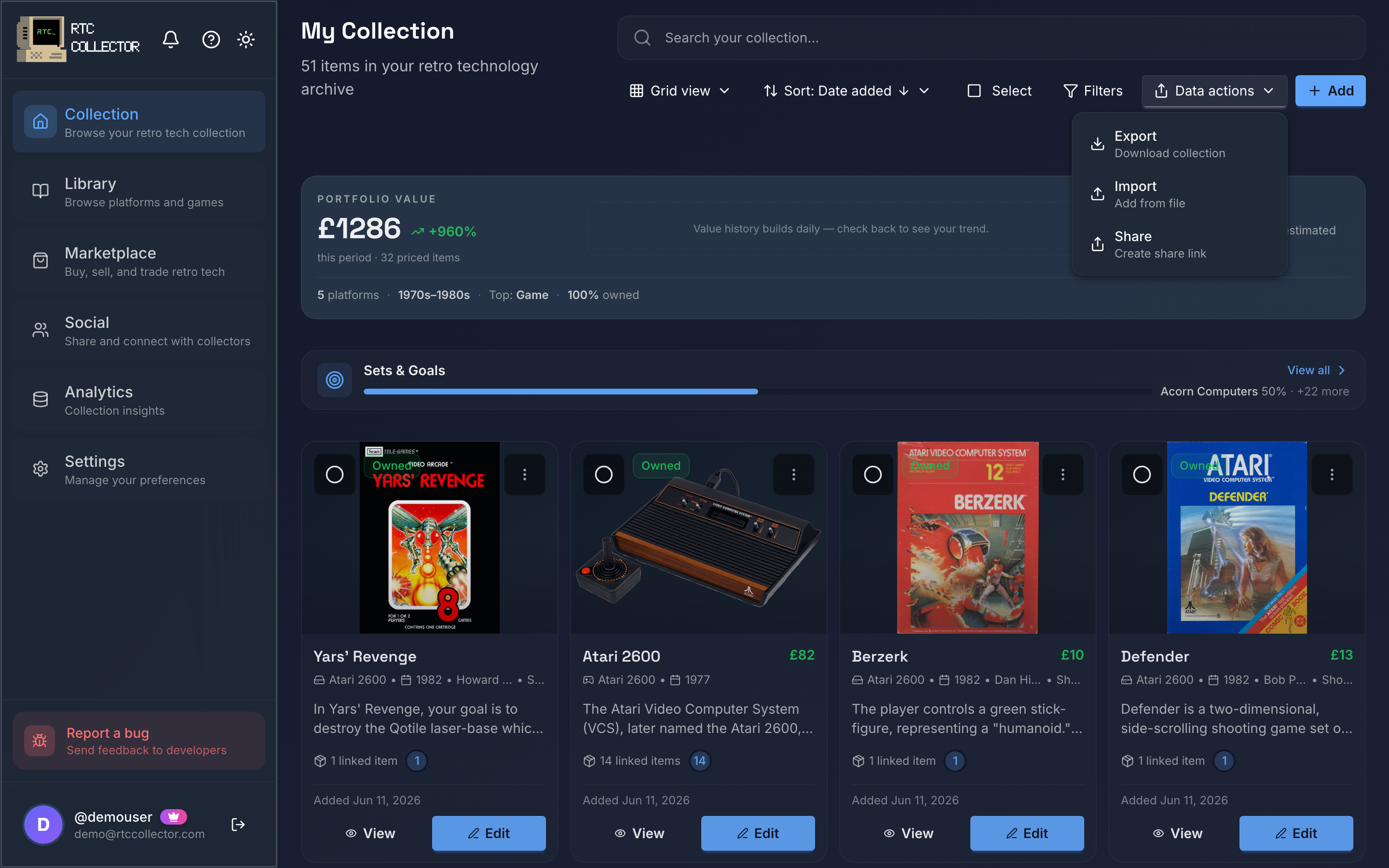
Already keeping your collection in a spreadsheet? Bring it in as CSV or JSON. And once it's in RetroTechCollector, you can export it back out as a working backup or to move your data between tools.
Import from a spreadsheet
You can import a collection from a CSV or JSON file. Anyone can import, on any plan — items beyond your plan's limit are kept as hidden items rather than dropped.
- Open Import and choose your CSV or JSON file.
- Map each column in your file to a collection field — category, condition, purchase price, storage location and so on. RetroTechCollector matches obvious columns for you; adjust any it gets wrong.
- Review the preview, then confirm.
Where a row matches the master catalogue, the import autofills the rest of the item's details — the same way adding an item manually does. Anything that doesn't match comes in with whatever your file provided.
Not sure how to lay your file out? Download the CSV template from the import screen and fill it in — the columns already line up with the fields RetroTechCollector expects, so there's less mapping to do. If you'd rather keep your own spreadsheet, the mapping step lets you point each of your columns at the right field instead.
Export your collection
Export is a Collector and Enthusiast feature. You can download your whole collection in either format:
- CSV — opens in any spreadsheet app, handy for editing, reporting or backups.
- JSON — a complete, structured copy, useful if you're moving data between tools.
An export includes the details you've recorded against each item: category, condition and grade, serial number, purchase price and date, current value, storage location, notes and related items. Values reflect the same live market prices used across the app, so an export captures what your items are worth now rather than what you paid.
CSV and JSON export are available on the Collector and Enthusiast plans. Importing works on any plan. See Plans and billing for what each plan includes.
What's next
- Manage your collection — categories, condition, value and views.
- Plans and billing — the export entitlement and everything else by tier.