Shows & loans
Two collection tools for when your items leave the shelf: Shows builds an offline bring-list for a meet or a show, and Loans keeps track of anything you've lent to someone. Both live in the collection area — open the Collection page and use its sub-navigation to switch between Collection, Lending, Shows and Import (loans appear under the Lending tab).
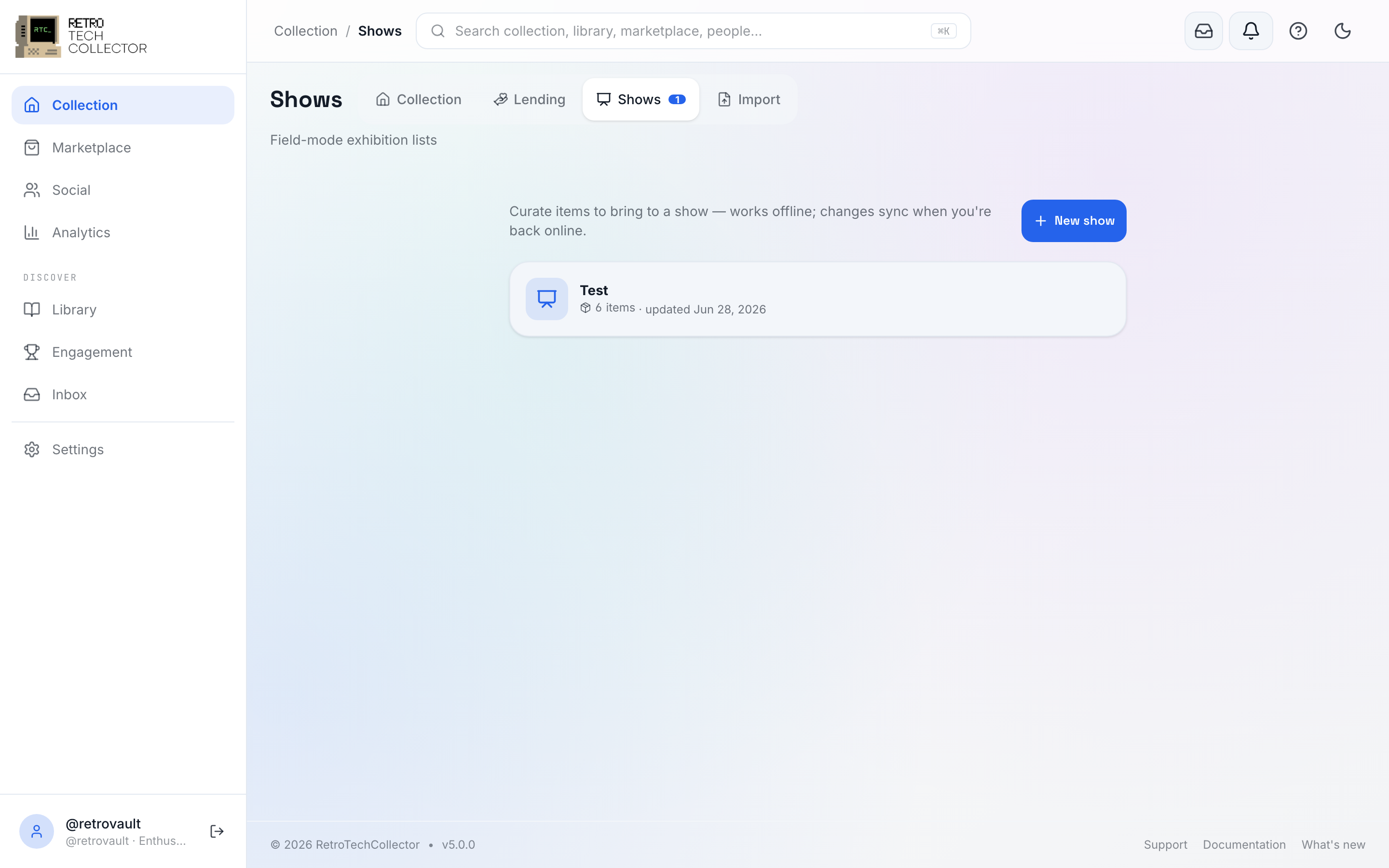
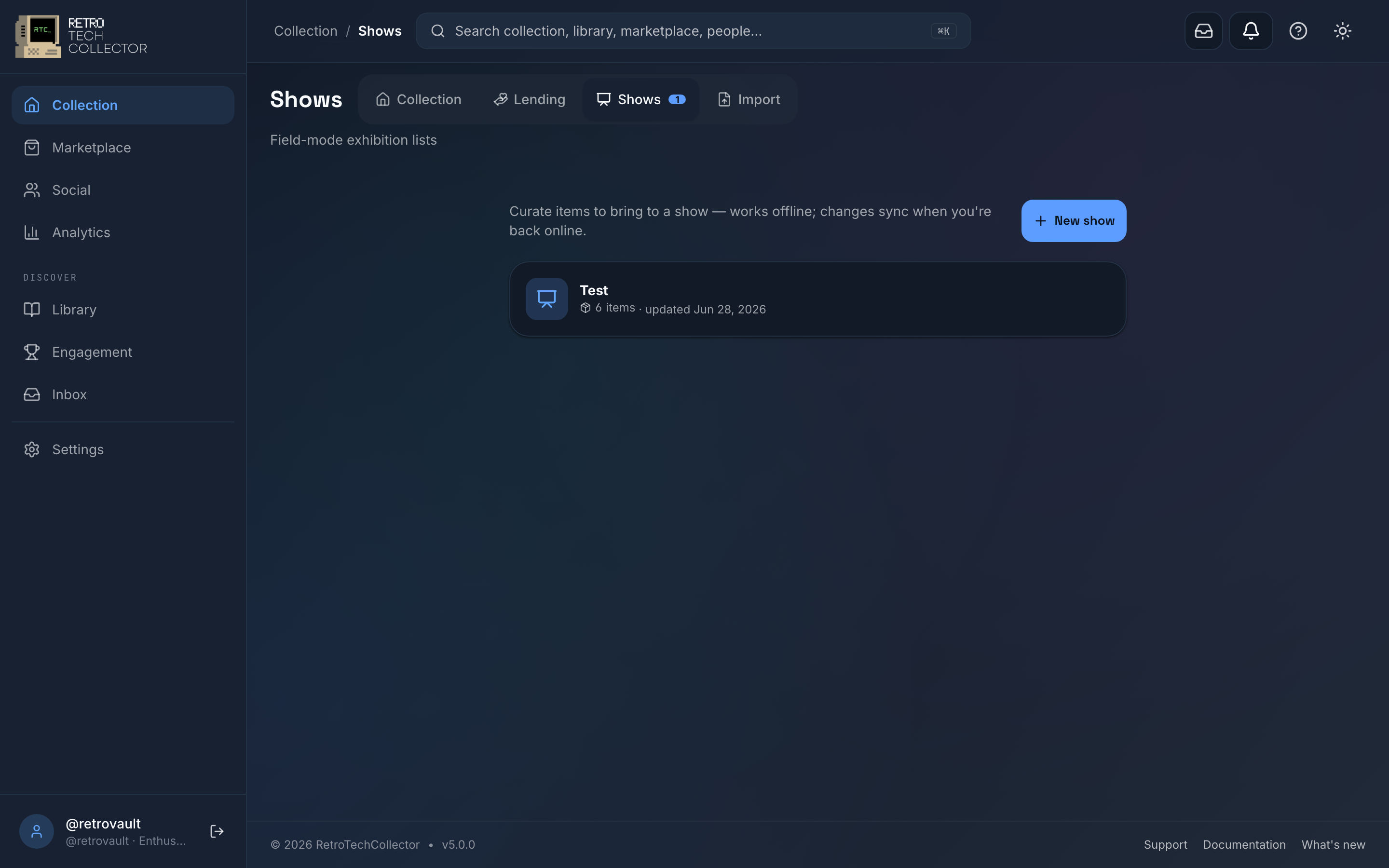
Shows — an offline bring-list
Heading to a meet, a retro fair or a show? Shows is an exhibit mode that lets you pick the items you're taking and check them off on the day. Pull together the list at home, then use it in the field even with no signal — the bring-list works offline, so a busy venue with poor reception doesn't get in your way.
- Open Shows and start a new list.
- Add items from your collection.
- On the day, work through the list and mark each item as you pack or set it up.
Loans — track what you've lent out
Loans records the items you've lent to friends, another collector or an exhibition, so nothing quietly goes missing. Each loan captures the item, who has it and when it's due back.
You can filter loans by status:
- All — everything you've ever logged.
- Active — currently out on loan.
- Overdue — past the return date and not yet back.
- Returned — closed off and home again.
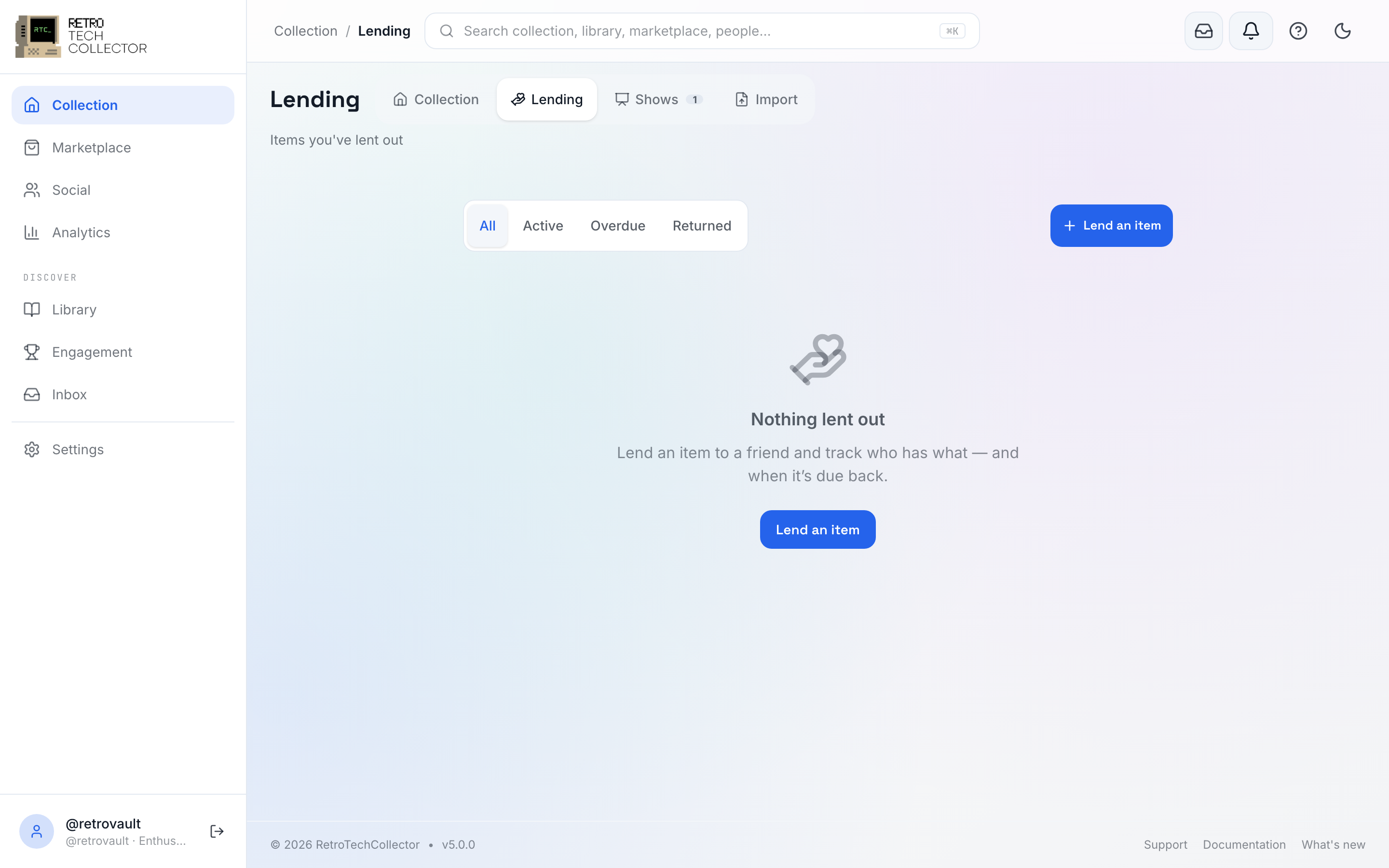
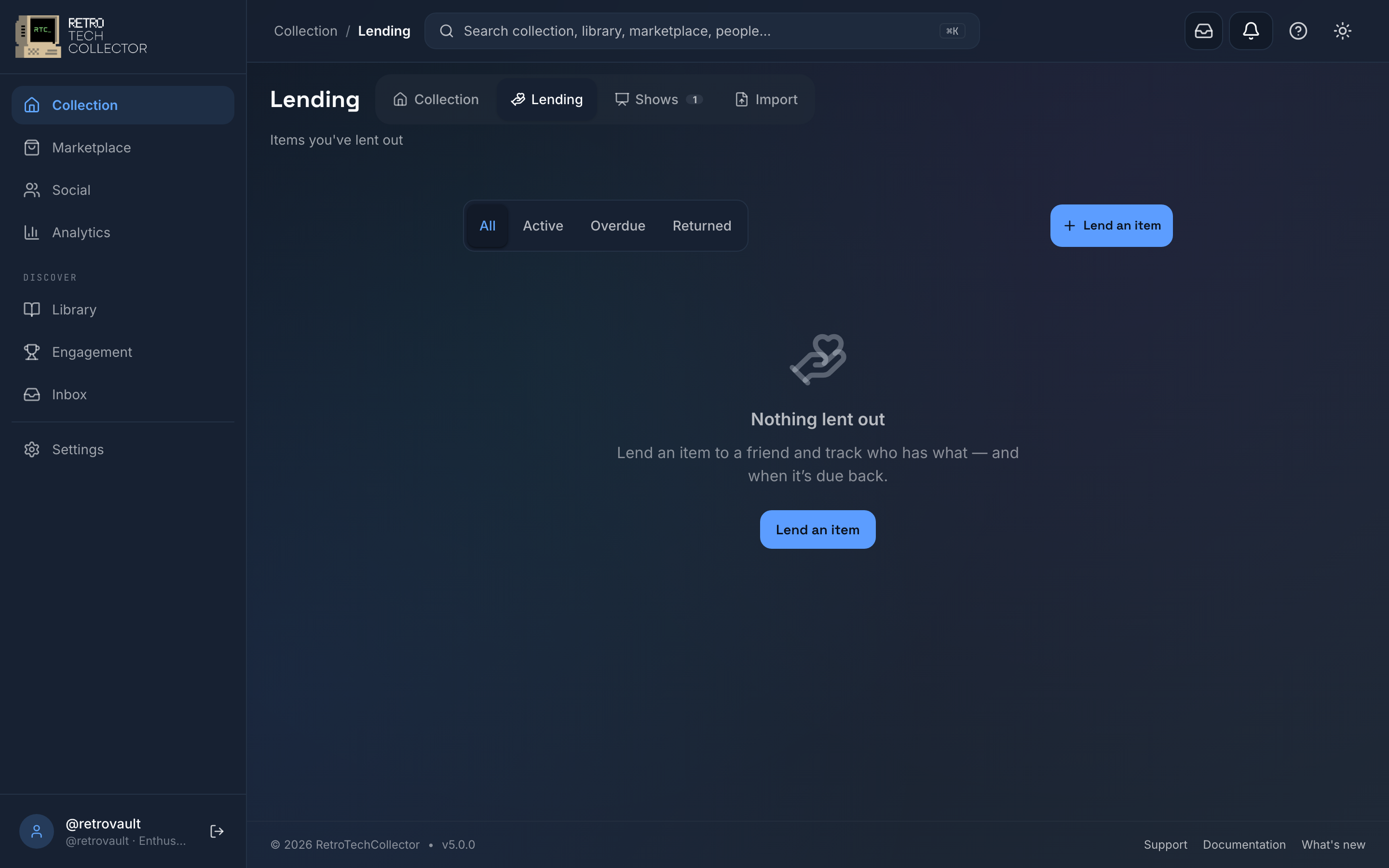
When an item comes back, mark the loan Returned to move it out of your active list and keep the record for later.
Related pages
- Managing your collection — the Vault Dashboard and everything on each item.
- Apps — the mobile More sheet and how offline sync works.