Buyer protection & disputes
Every purchase on the marketplace is covered by Buyer Protection, and if something goes wrong you can raise it directly from the transaction. This page explains what's covered, how to open a dispute, and how resolution works.
How Buyer Protection works
When you pay for an item, your money isn't released to the seller straight away. The payment is held until the item is delivered and you confirm receipt. That window gives you time to receive the item and check it's as described before the seller is paid out.
If the item arrives and everything's fine, you confirm receipt and the funds are released. If there's a problem, you open a dispute before confirming, and the case is reviewed while the payment stays on hold.
Buyer Protection runs while the payment is held. Inspect your item as soon as it arrives and raise any problem before you confirm receipt, rather than waiting.
When to open a dispute
Open a dispute when something has genuinely gone wrong with the order — for example:
- The item never arrived.
- The item is significantly not as described in the listing.
- The item arrived damaged.
- You received the wrong item.
For minor questions or to chase an update, message the seller first through the transaction thread — most issues are sorted that way without a formal dispute.
How to open a dispute
You start a dispute from the transaction itself.
- Open the transaction from your purchases.
- Choose Report a problem.
- Pick the dispute category that best matches the issue (see below).
- Describe what happened in your own words.
- Add evidence — photos and any supporting detail.
- Submit the dispute.
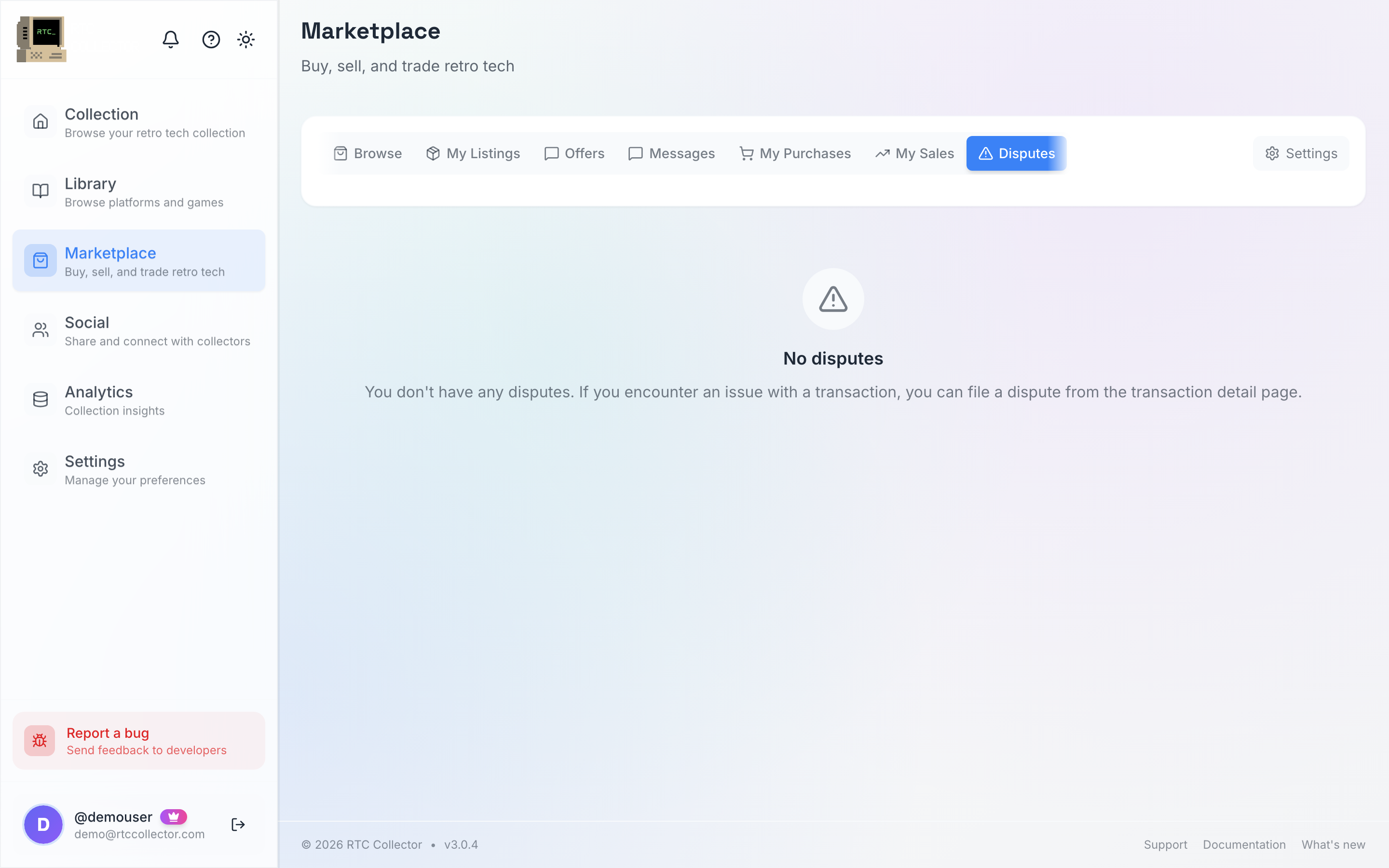
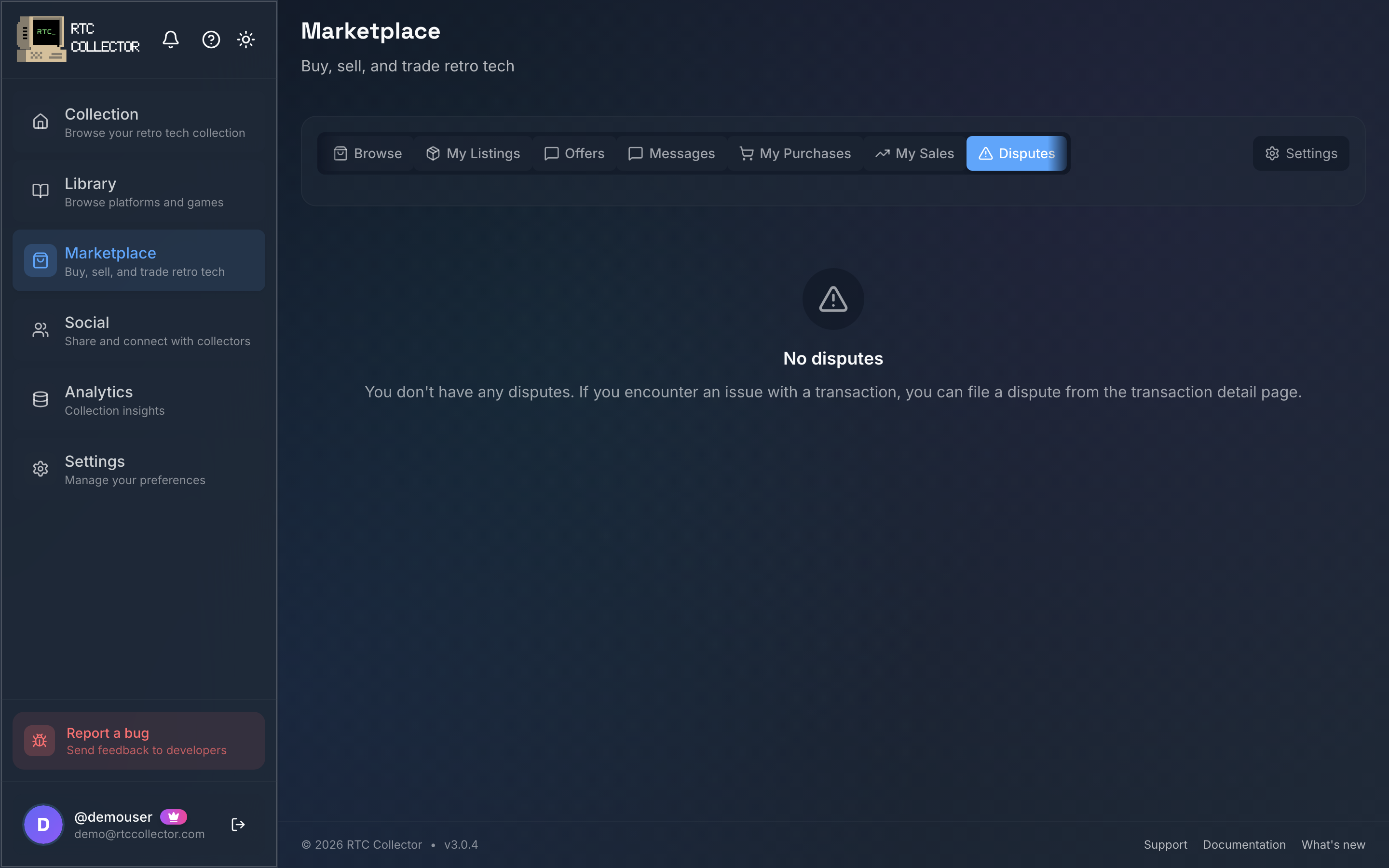
Once submitted, the case appears in your disputes list and the transaction is flagged while it's reviewed.
Dispute categories
Choosing the right category helps the case get reviewed correctly.
| Category | Use it when |
|---|---|
| Item not received | Tracking shows no delivery, or the parcel never turned up. |
| Not as described | The item differs significantly from the listing's description, photos or condition. |
| Damaged in transit | The item arrived broken or damaged. |
| Wrong item | You received something other than what you ordered. |
Evidence
Good evidence is the single biggest factor in resolving a dispute quickly. Add clear photos that show the problem — the damage, the wrong item, or the packaging — and explain plainly what you expected versus what you got. Reference the original listing where it helps. Keep everything in the dispute itself rather than in side messages, so the full picture is in one place.
The resolution process
A dispute moves through a set of states so you can always see where it stands:
| State | What it means |
|---|---|
| OPEN | The dispute has been filed and the held payment stays on hold |
| IN_REVIEW | The case is being reviewed using evidence from both sides |
| RESOLVED | An outcome has been decided and both parties are notified |
| CLOSED | The case is finished and no further action is needed |
The other party can respond and add their own evidence while the case is open. You can follow the current state from the disputes list and open the detail view to see updates.
Refunds
If a dispute is resolved in your favour, you're refunded from the held payment. Because the funds were held under Buyer Protection rather than paid straight to the seller, the refund comes from money that hadn't yet been released. If the dispute is resolved in the seller's favour, the payment is released to them as normal.
Verify-then-ship escrow
A stronger option, verify-then-ship escrow ("Verified by RTC"), is on the way. With it, higher-value items route through a verification step before payment is released, so the buyer gets an independent check that the item is genuine and as described. It's currently rolling out and isn't yet a switch you'll see on a listing — Buyer Protection above covers every sale in the meantime.
How to avoid disputes
Most disputes never need to happen. As a buyer, read the full listing and its photos, check the stated condition and any grade, and ask the seller anything you're unsure about before you commit.
If you sell as well, the same care prevents disputes against you — see selling for writing accurate listings and shipping for packing and tracked postage.
A quick message in the transaction thread often resolves a misunderstanding faster than a formal dispute. Keep a dispute for when something has genuinely gone wrong.
For how payments are held and released across the order, see buying.