Buying
Buying is free on every plan, including the free Hobbyist tier. You browse listings, buy outright or make an offer, and your payment is held under Buyer Protection until the item is delivered.


Browse and filter
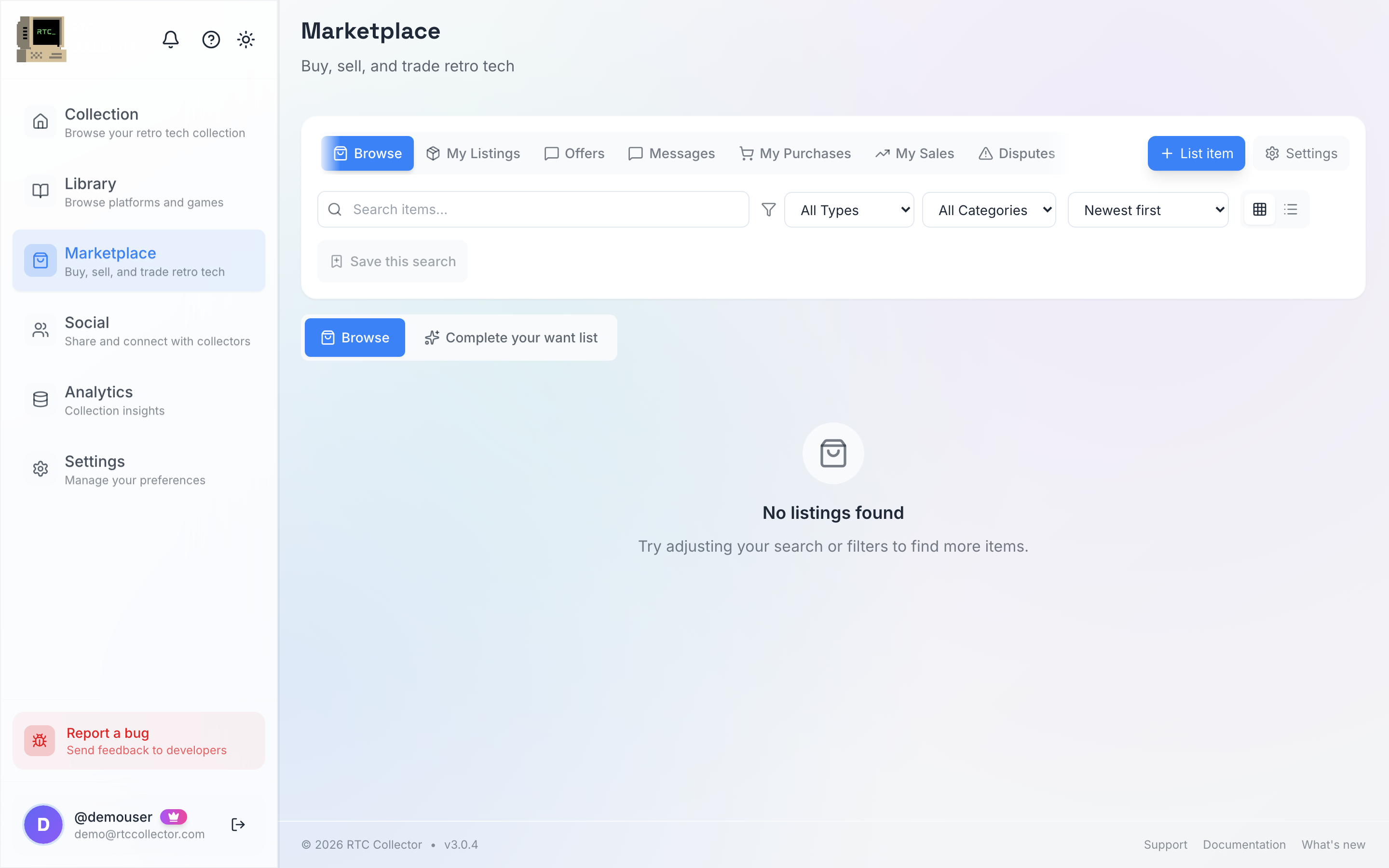
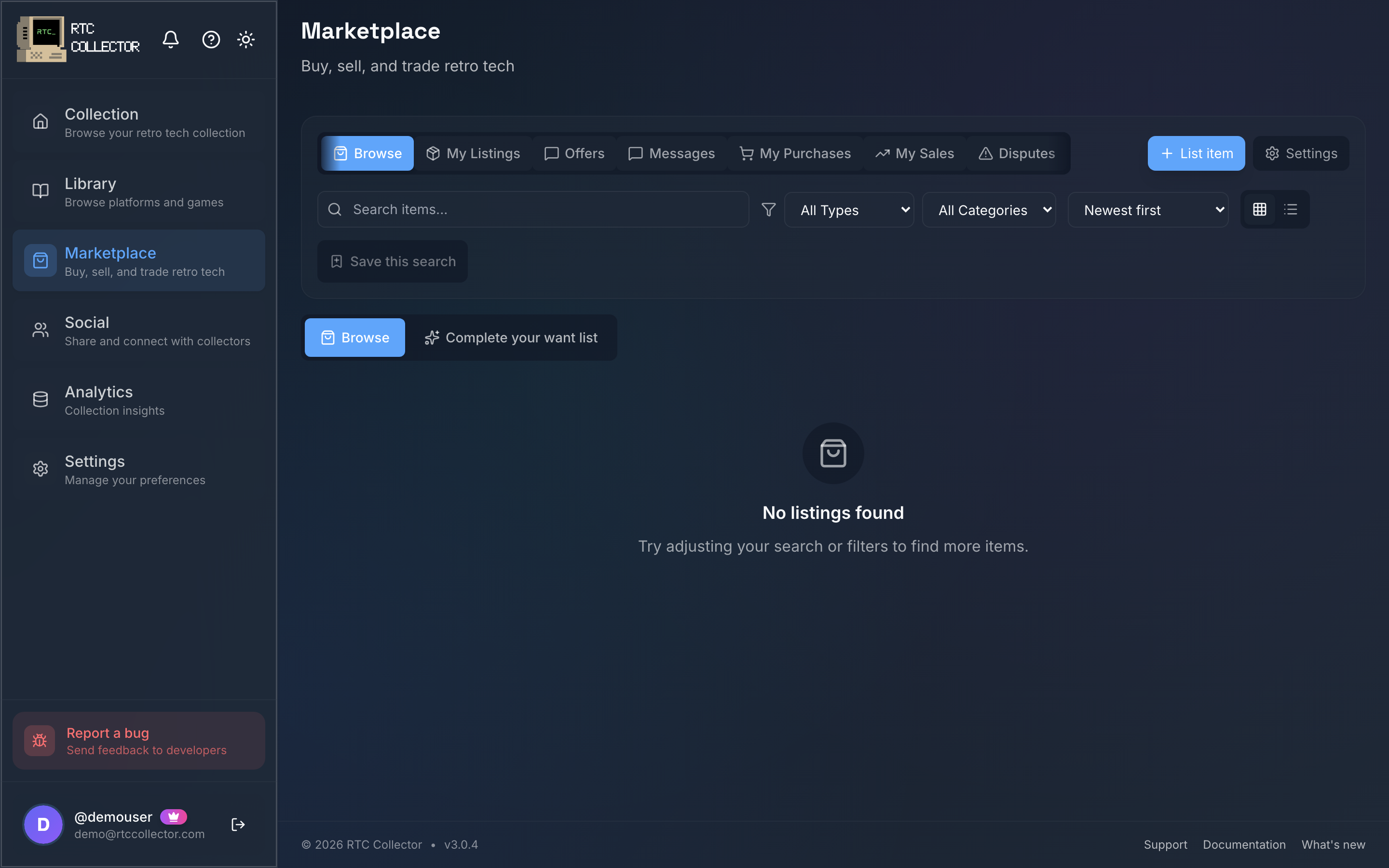
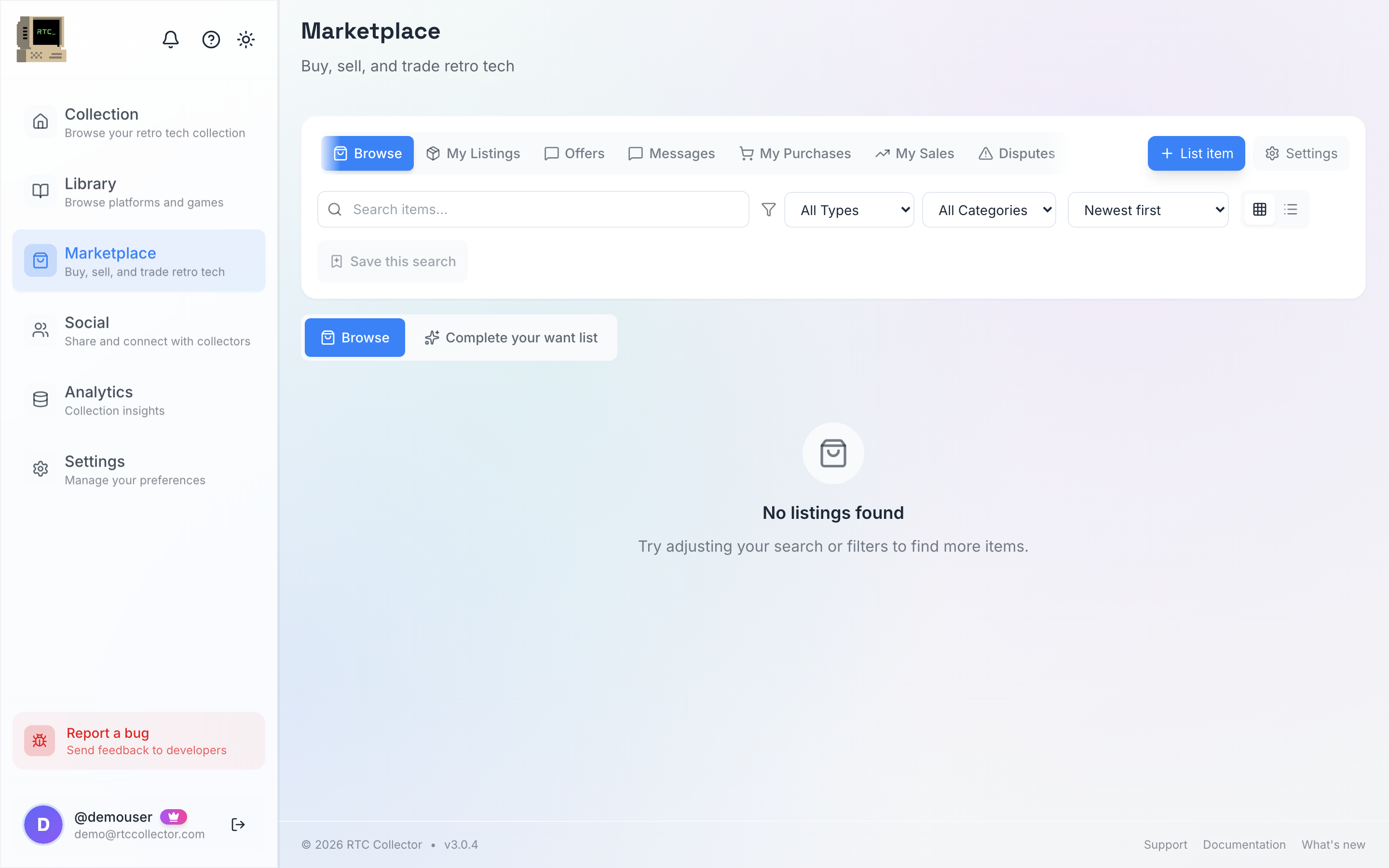
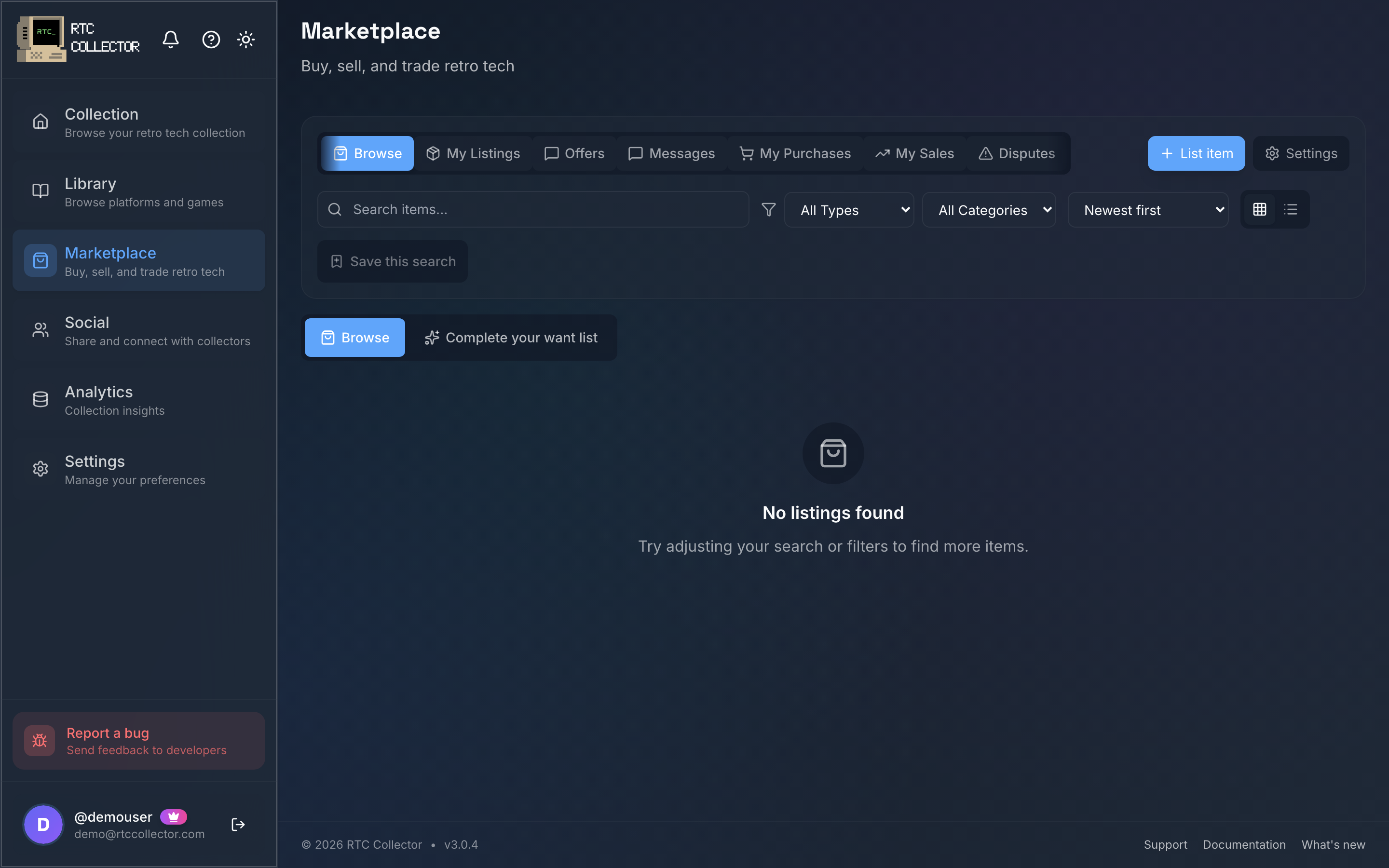
Open Marketplace to see what's for sale. Filter by type (for sale, for trade, or both), category, minimum condition and price, then sort and scroll. Rails surface listings from people you follow, ones that match your wishlist, and items rising in value, alongside promoted listings and a trust strip.
Listings come from collectors' own collections or as standalone items, so you'll find a mix of consoles, computers, handhelds, games and accessories. You can browse without an account — signing in is only needed when you act on a listing.
View a listing
Tap a listing to open its detail page. You'll see the photos, the item's category and condition, any professional grade (PSA / WATA / CGC), the price, and how the seller will deal.
From here you can:
- Buy Now — pay the asking price straight away.
- Add to cart — collect items and check out together.
- Make Offer — send a cash offer below the asking price.
- Propose Trade — offer your own items in a swap.
- Message seller — ask a question before you commit.
You can also report a listing. Timed auction listings show a bid panel instead of a fixed Buy Now price.
Buy Now, cart and checkout
To buy outright, tap Buy Now and go to checkout. If you're picking up several things, Add to cart instead and check out when you're ready. The cart is multi-seller — it creates one order per seller through Stripe, and it resumes across sellers so you don't lose what you've gathered.
At checkout, pay by card or a supported wallet through Stripe, so your card details never touch RetroTechCollector.
- From the listing or your cart, go to checkout.
- Review the item(s), the seller and the delivery details.
- Pay through Stripe and confirm.
Prices are billed in GBP. If your card is in another currency, Stripe converts it at its own exchange rate.
Your payment is held until the item is delivered and you confirm receipt — the seller is only paid out then, so you're covered if something goes wrong. If there's a problem, open a dispute with evidence.
Make and counter offers
If you'd rather negotiate, tap Make Offer on the listing and enter your amount in £. The seller can accept, decline or send a counter-offer, and you can counter back until one side accepts. When an offer is accepted it moves through to checkout to pay.
Every offer you send or receive lands in one place — see offers & bids for the unified Offers hub and the bid/ask order book.
Track, confirm and rate
Once you've paid, the transaction moves through clear stages so you always know where things stand:
| Stage | What it means |
|---|---|
| Payment | Your payment has gone through and is held under Buyer Protection |
| Seller ships | The seller prepares and dispatches the item |
| In transit | Carrier tracking is attached — follow it on the transaction |
| Delivered | The carrier has marked it delivered |
| Complete | You've confirmed receipt and the payout is released |
When your item arrives:
- Open the transaction.
- Tap to confirm receipt.
- Leave a 5-star rating for the seller.
Confirming receipt releases the held payment, so only confirm once you have the item and it's as described. If it isn't, report the problem from the transaction rather than confirming — see disputes.
Ready to sell some of your own collection? Head to selling, or check the fees first.