Offers & bids
Negotiating on the marketplace happens two ways: send an offer on a specific listing, or place a standing bid in the bid/ask order book. Both live in one place so you can keep track of everything you've offered and been offered.
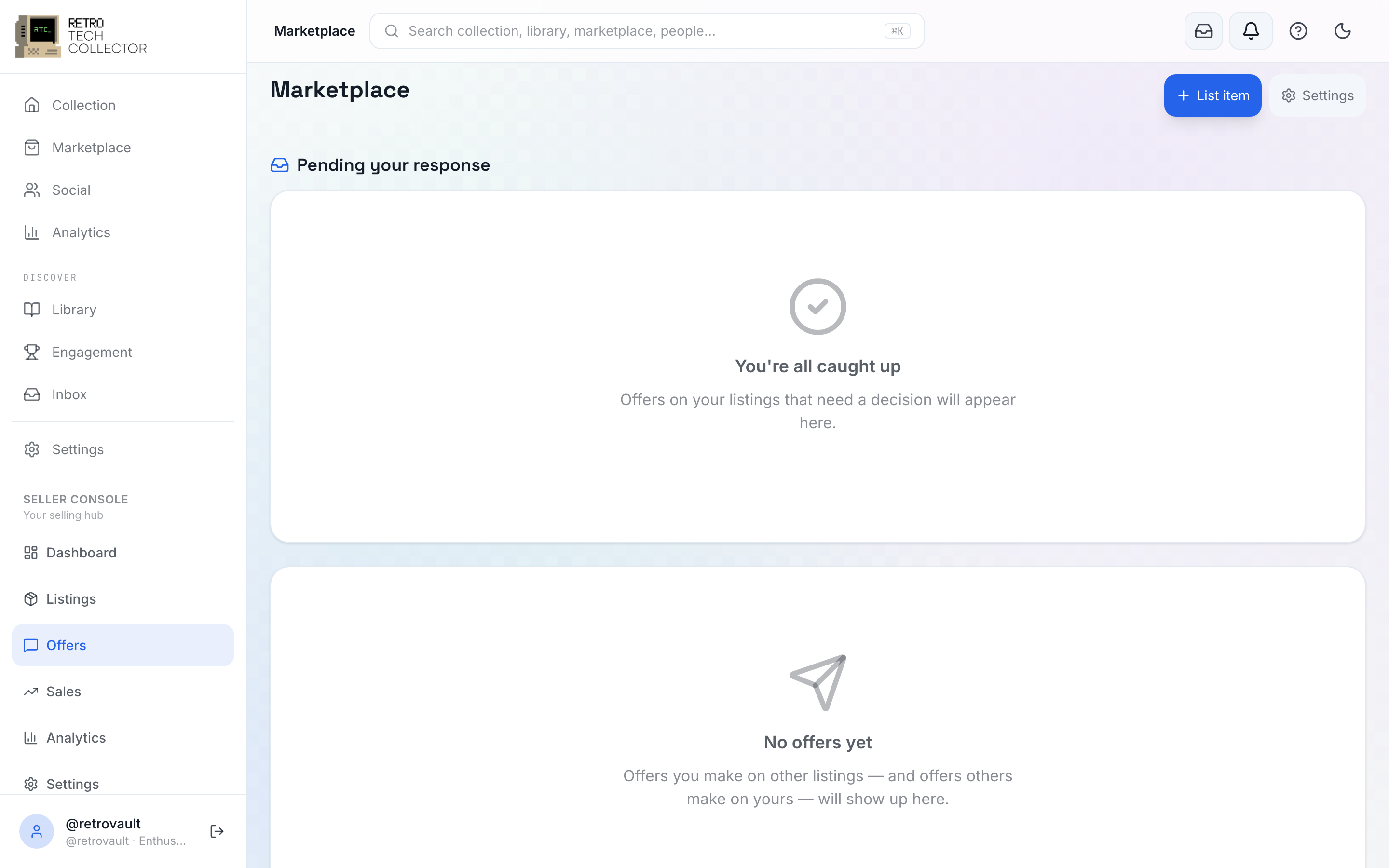
The Offers hub
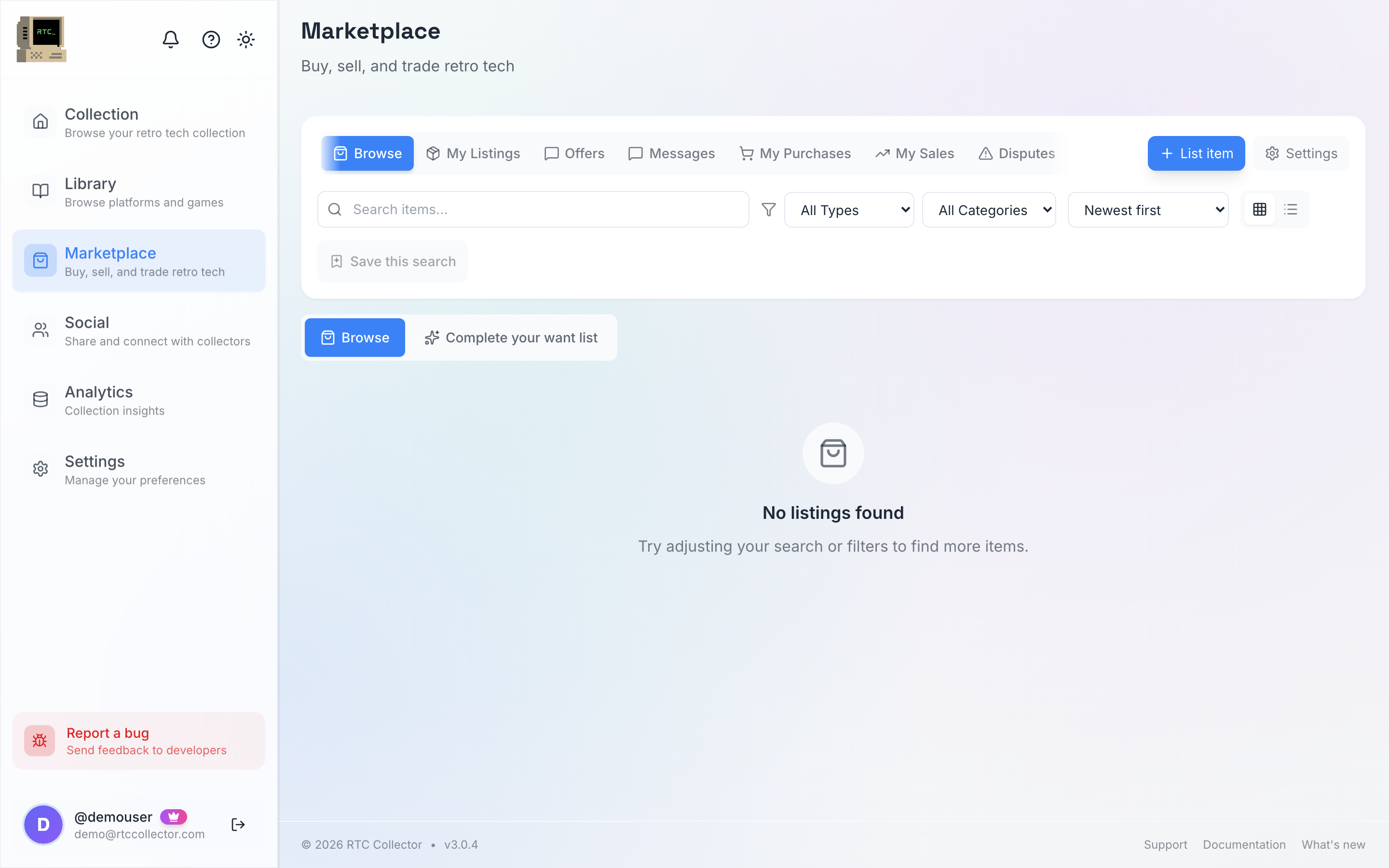
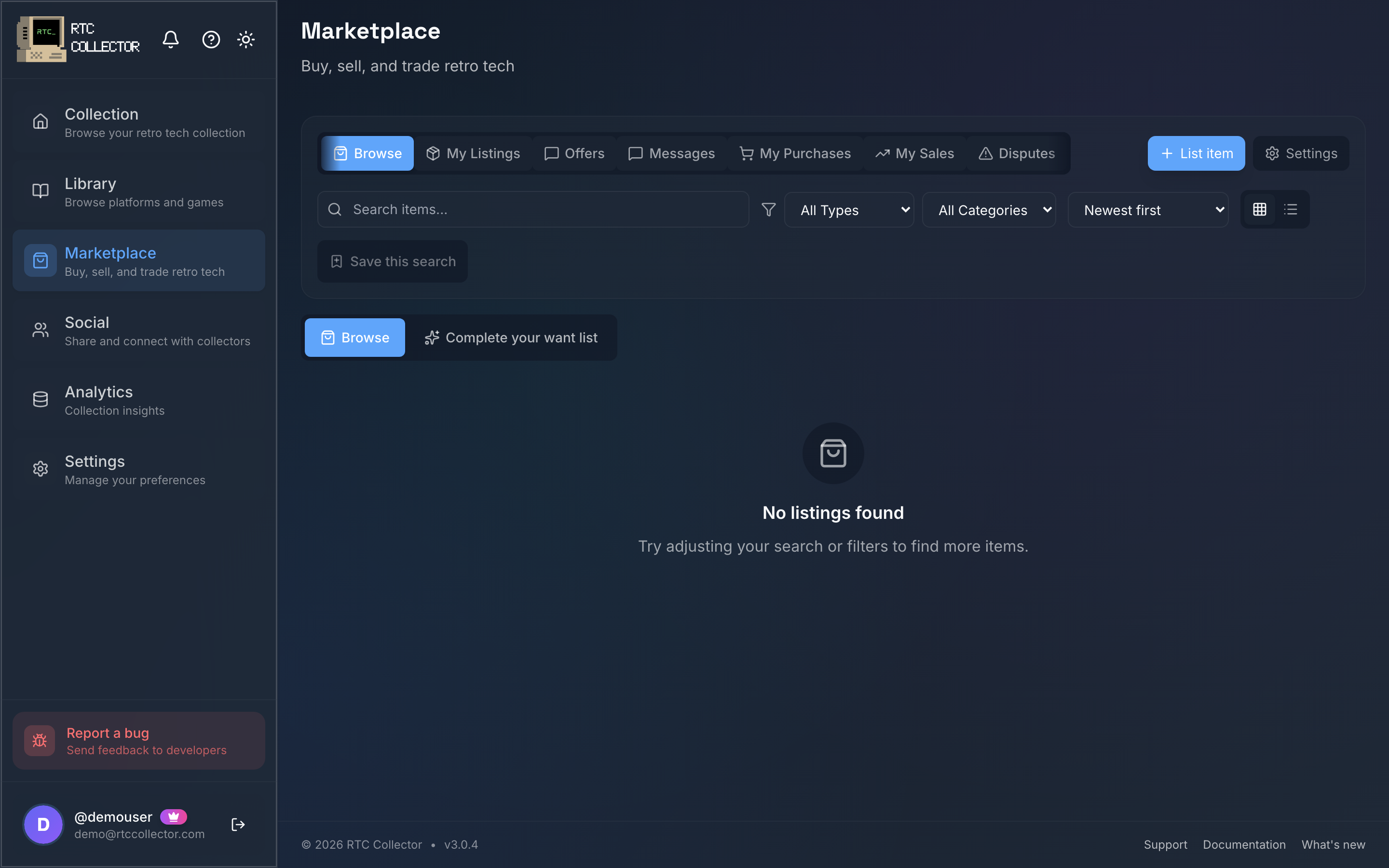
Every offer you send or receive collects in the unified Offers hub. You can reach it from both the Sell console and your activity, and it's split into four views:
| View | What's in it |
|---|---|
| Received | Offers other collectors have sent you — accept, counter or decline |
| Sent | Offers you've sent that are waiting on a reply |
| Accepted | Offers that have been agreed and are moving to checkout |
| History | Everything that's closed — accepted, declined, countered or expired |
To make an offer, open a listing, tap Make Offer and enter your amount in £. The seller can accept, decline or send a counter-offer, and you can counter back until one side accepts. When an offer is accepted it moves through to checkout to pay — see buying for the payment side.

Bids — the order book
For the fungible subset of the catalogue — items where one copy is interchangeable with another — you can trade against a bid/ask order book rather than a single listing. It works like a market: sellers post asks (the price they'll sell at) and buyers post bids (the price they'll pay).
Place a standing bid against the cheapest ask, and it stays live until it's matched, you cancel it, or it expires. A seller can accept a matching bid to make the deal.
Even when a seller accepts your bid, the buyer still confirms and pays at checkout — a bid is a standing intent to buy, not an instant charge. Nothing comes off your card automatically.
Each item's order book shows the market at a glance:
- Lowest ask — the cheapest price a seller will accept right now.
- Highest bid — the most a buyer is currently offering.
- Depth — how many bids and asks are stacked up at each price.
- Recent sales — what copies have actually changed hands for.