Inbox
The Inbox is one place for everything that needs your attention across the app — a marketplace offer, a new follower, a shipping update, an account alert. It's a members-only view that gathers alerts from every part of RetroTechCollector so nothing slips past you.
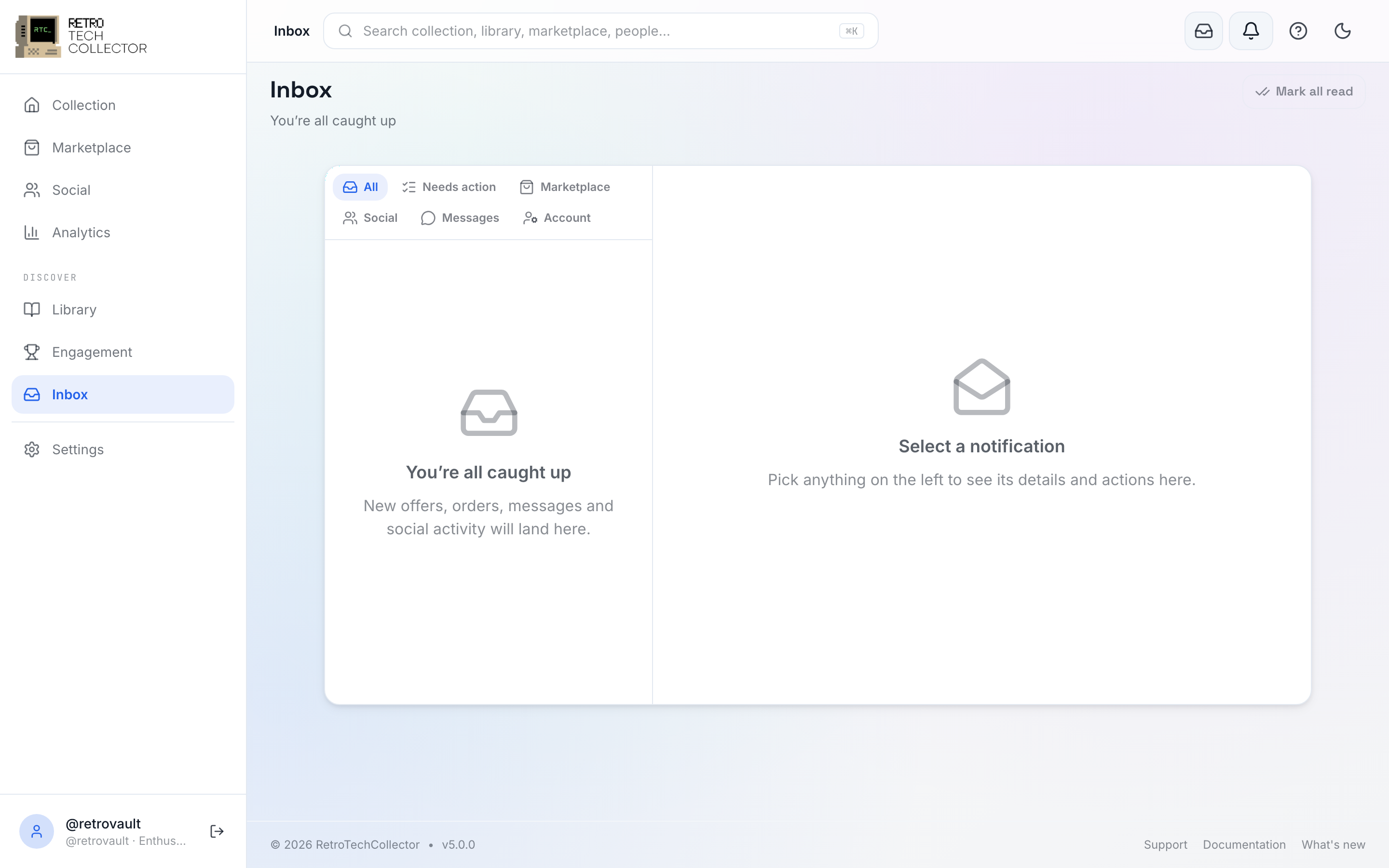

What the Inbox is
The Inbox draws on the same data as the header notification bell — it's the full-page version of it. Everything the bell shows lands here too, laid out so you can work through it.
It's built from two panes: a scrollable list of alerts on one side, and a detail panel on the other that opens whatever you select. Selecting an alert deep-links you straight to the thing it's about — the offer, the listing, the profile, the conversation.
The Inbox aggregates alerts and takes you to the right place. The actual direct-message threads live in Messaging — a new-message alert in the Inbox opens the conversation there.
Filter chips
Filter chips across the top narrow the list to what you care about right now:
- All — everything.
- Needs action — items waiting on you, like an offer to accept or an address to confirm.
- Marketplace — offers, sales, shipping and dispute updates.
- Social — likes, comments, follows and follow requests.
- Messages — new direct and transaction messages.
- Account — security, billing and subscription alerts.
Start on Needs action to clear anything time-sensitive first, then switch to All to catch up on the rest.
Where to find it
The Inbox is a signed-in member view. Open it from the notification bell in the header on web, or from the app menu on mobile. New items also raise a badge on the bell so you can see there's something waiting at a glance.


Related
- Notifications — push and email on top of the Inbox, with per-category preferences.
- Messaging — where message threads live.
- Marketplace — offers, sales and shipping that surface here.